
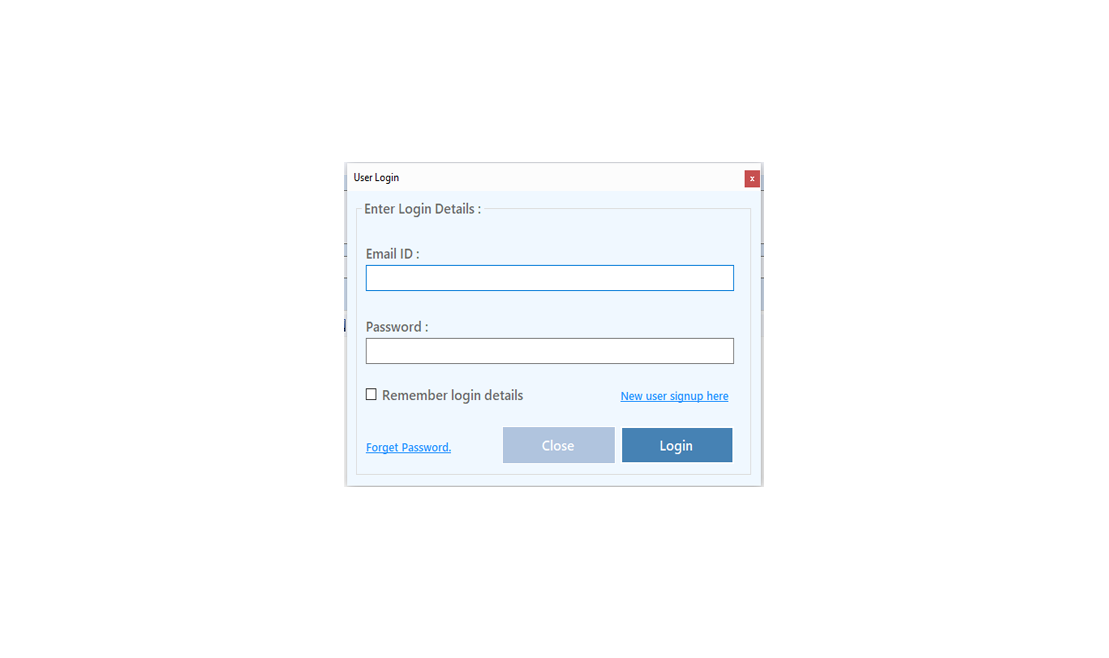
To Improve user Experience and Security we Introduce Signup and login Feature in our Software.
Step 1: Sighup
Click on New User Signup Link
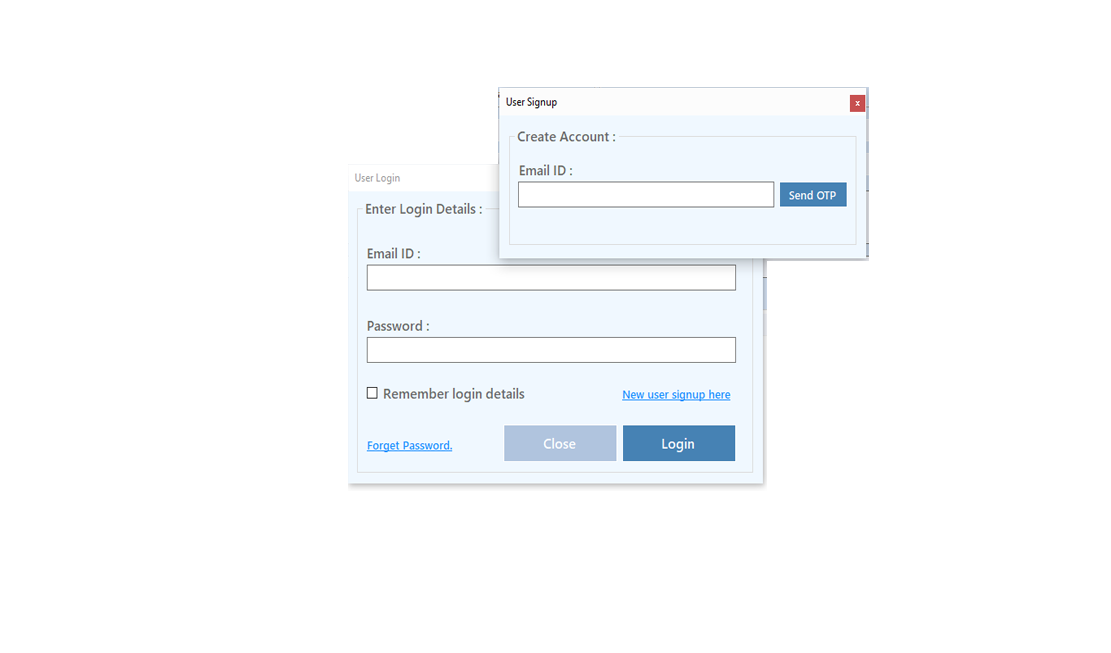
Enter your Email and click on Send OTP Button
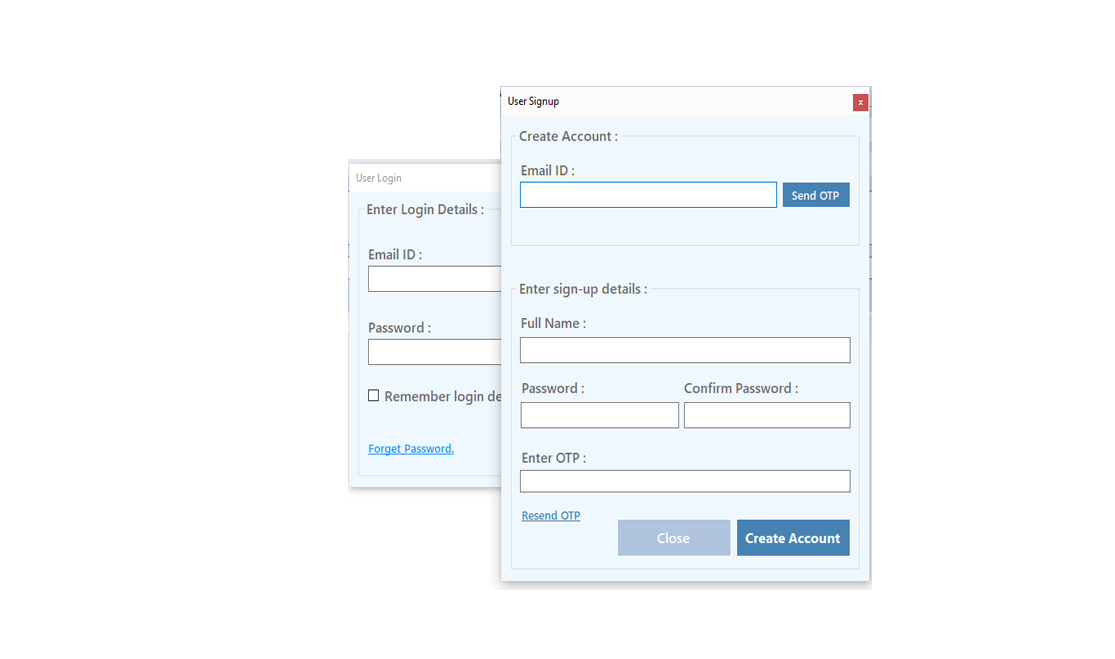
Enter OTP and Fill Details then click onCreate Account Button
Step 2: Login Your Account
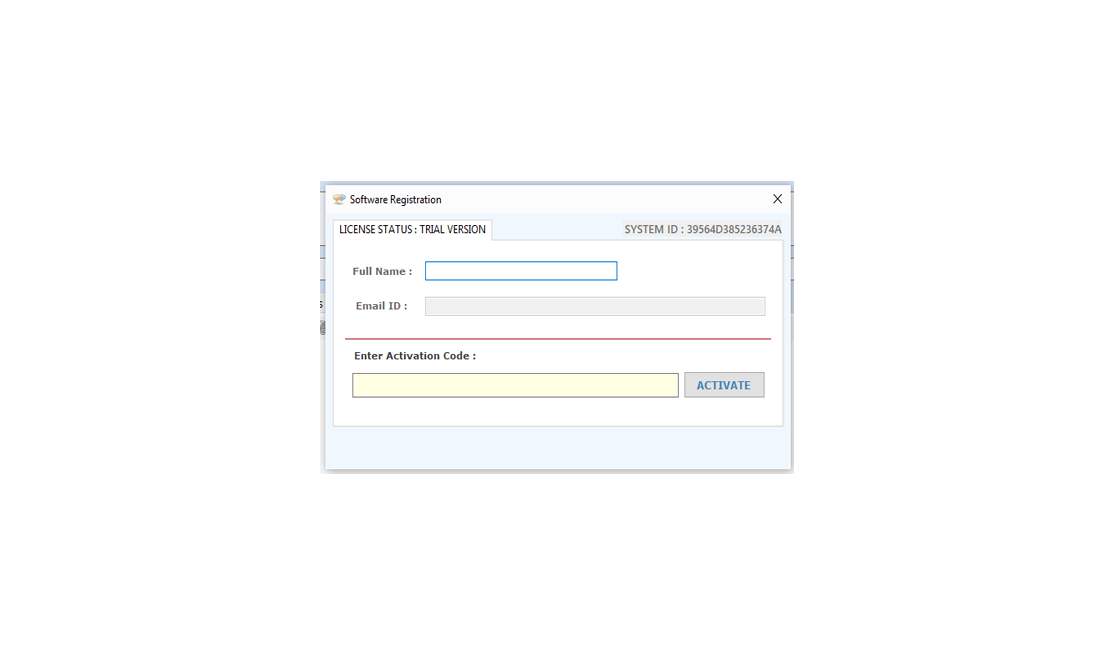
After Login you can Activate your license. The License will Assigned on the Email and always will work with that email.You can't assign license to other email after activation.
Step 1: Visit Help Menu and Select Activate
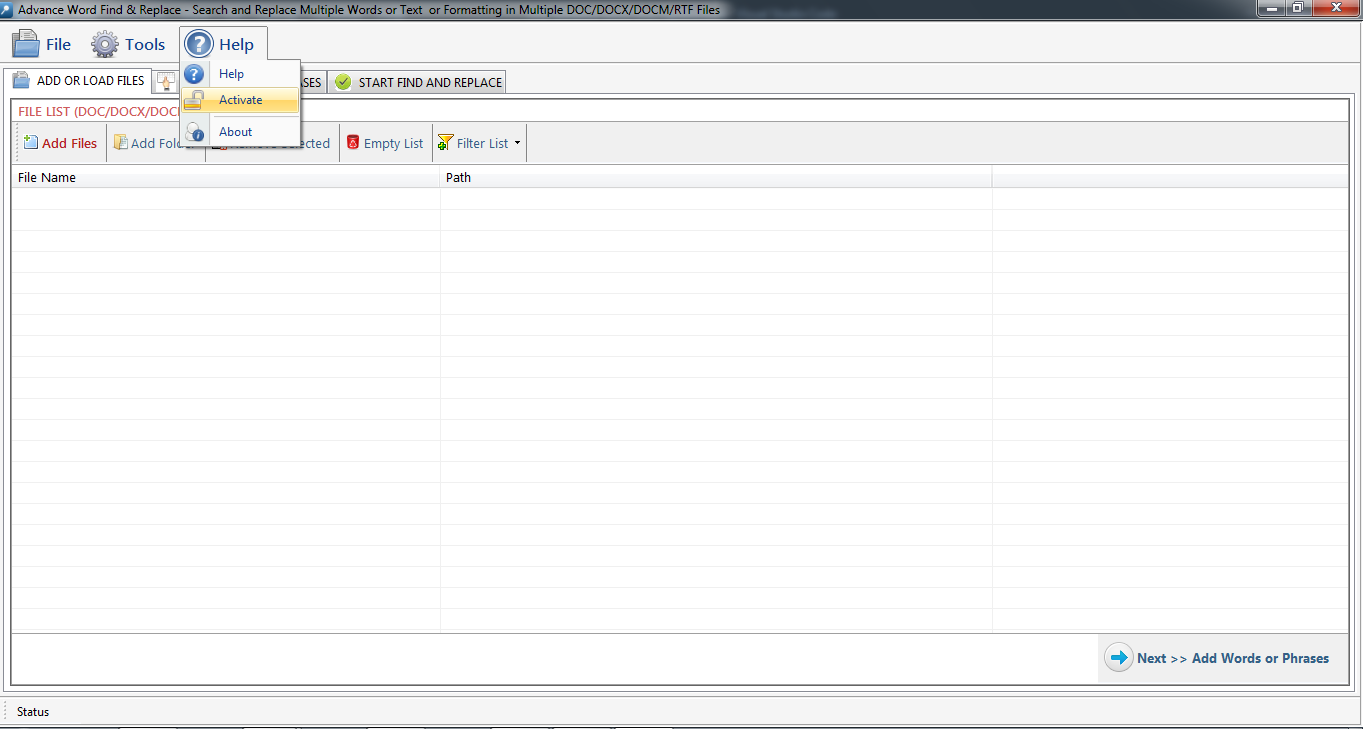
Step 2: Enter the License Key then Click on Activate Button
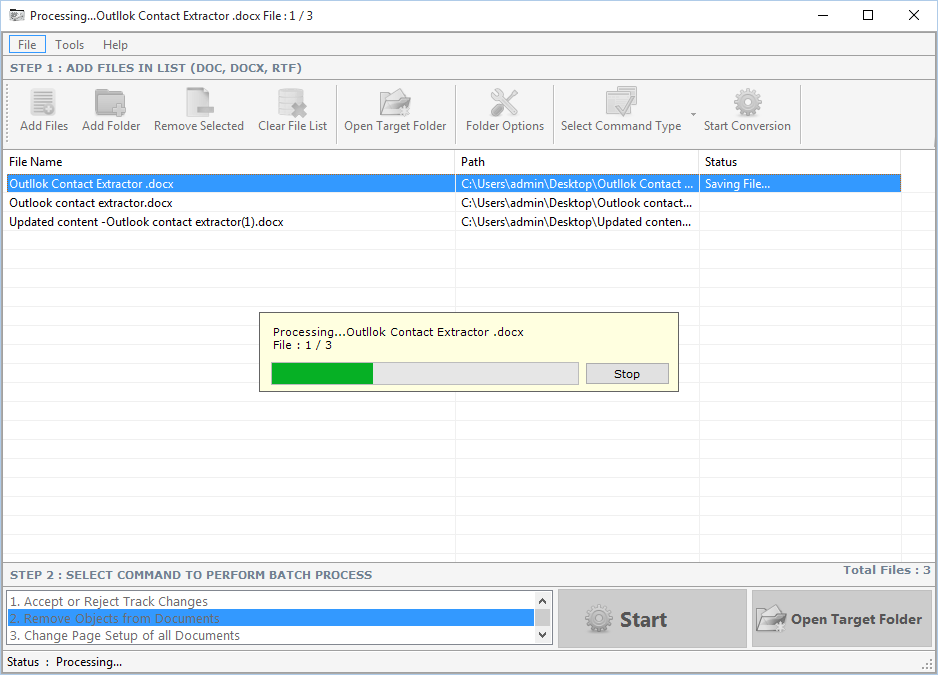
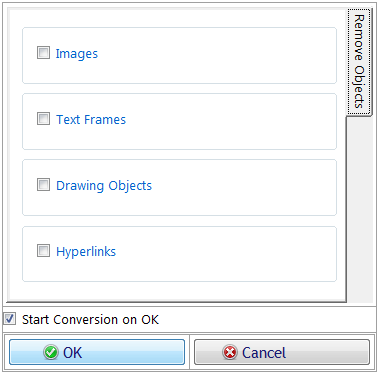 You can select multiple type of object to remove from batch files like Images, Text Frames, Drawing Object and hyperlinks.
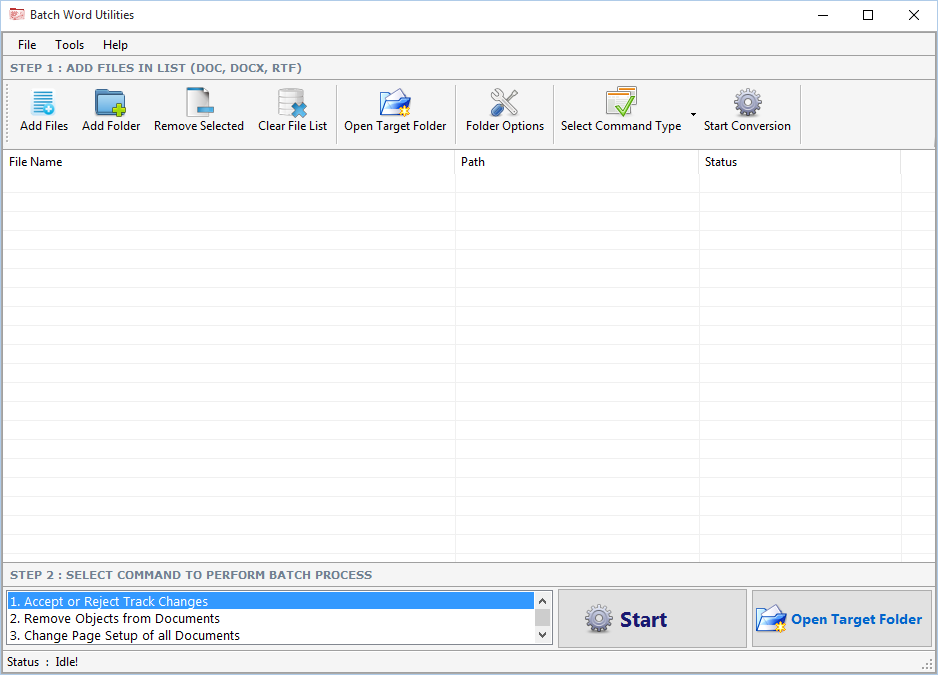
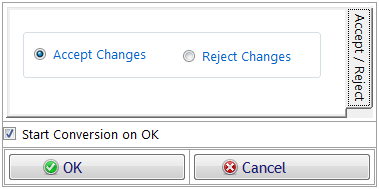
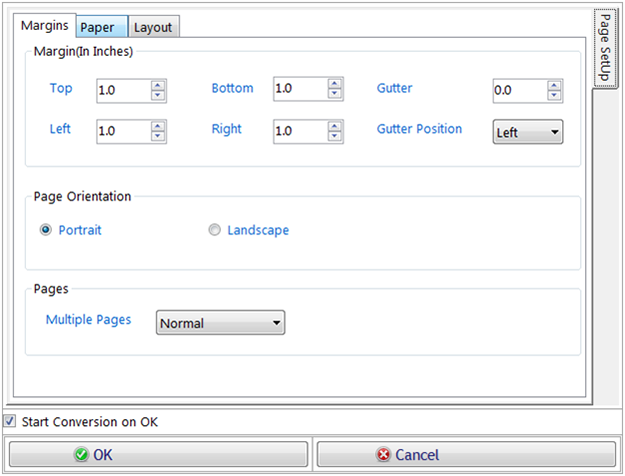
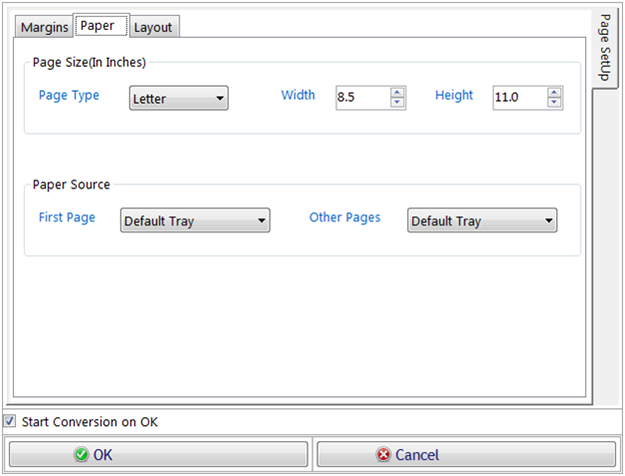
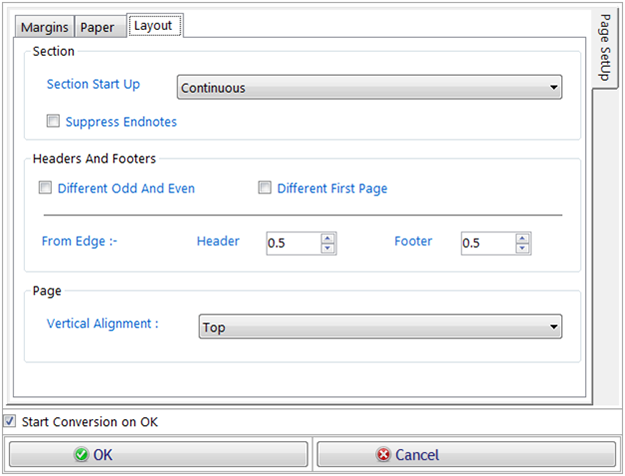
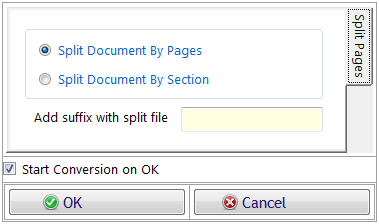
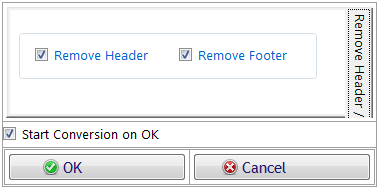
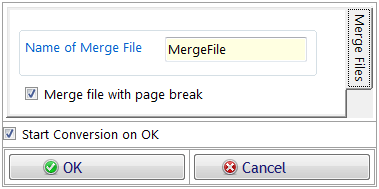
You can also remove selected object from header or footer. After CheckingObjects to Remove from Batch Files, click on ok button. If Start conversion on Ok checkbox is checked the process will start automatically after click on ok button or
otherwise you have to click on Start button on main form of Batch Word Utilities. If you want close this dialogue box you can click on cancel button.
You can select multiple type of object to remove from batch files like Images, Text Frames, Drawing Object and hyperlinks.
You can also remove selected object from header or footer. After CheckingObjects to Remove from Batch Files, click on ok button. If Start conversion on Ok checkbox is checked the process will start automatically after click on ok button or
otherwise you have to click on Start button on main form of Batch Word Utilities. If you want close this dialogue box you can click on cancel button.
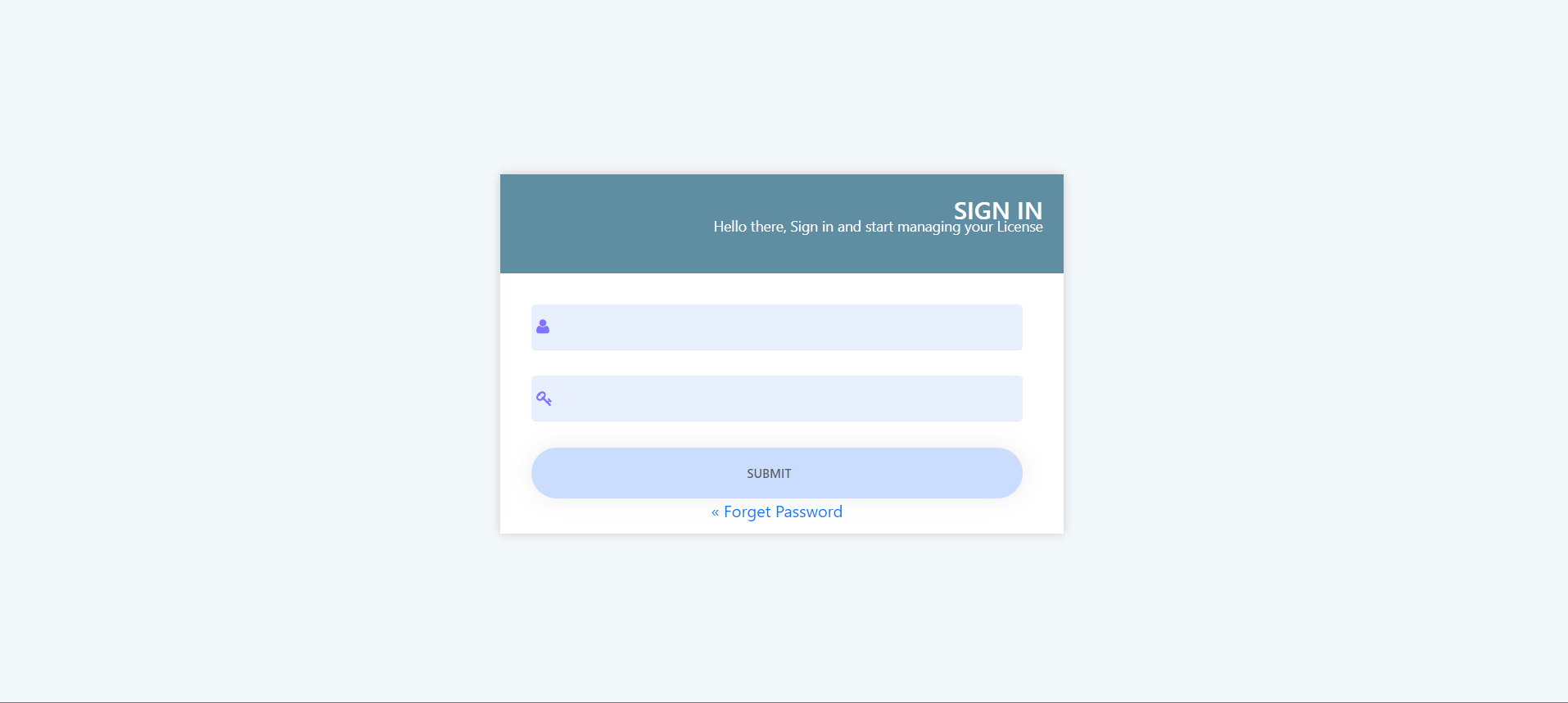
Visit: https://neurane.com/user/ Now Login
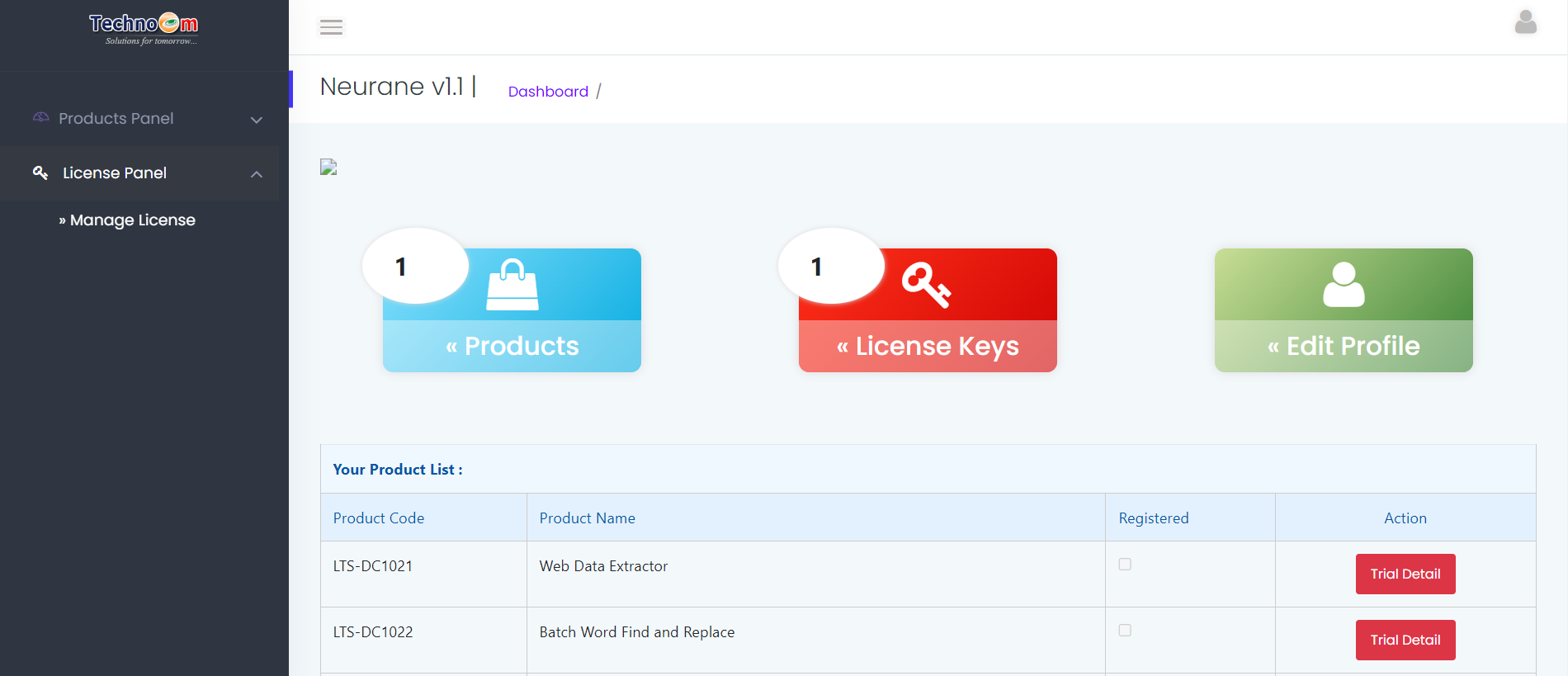
Step 1 : Click on License Panel > Manage License
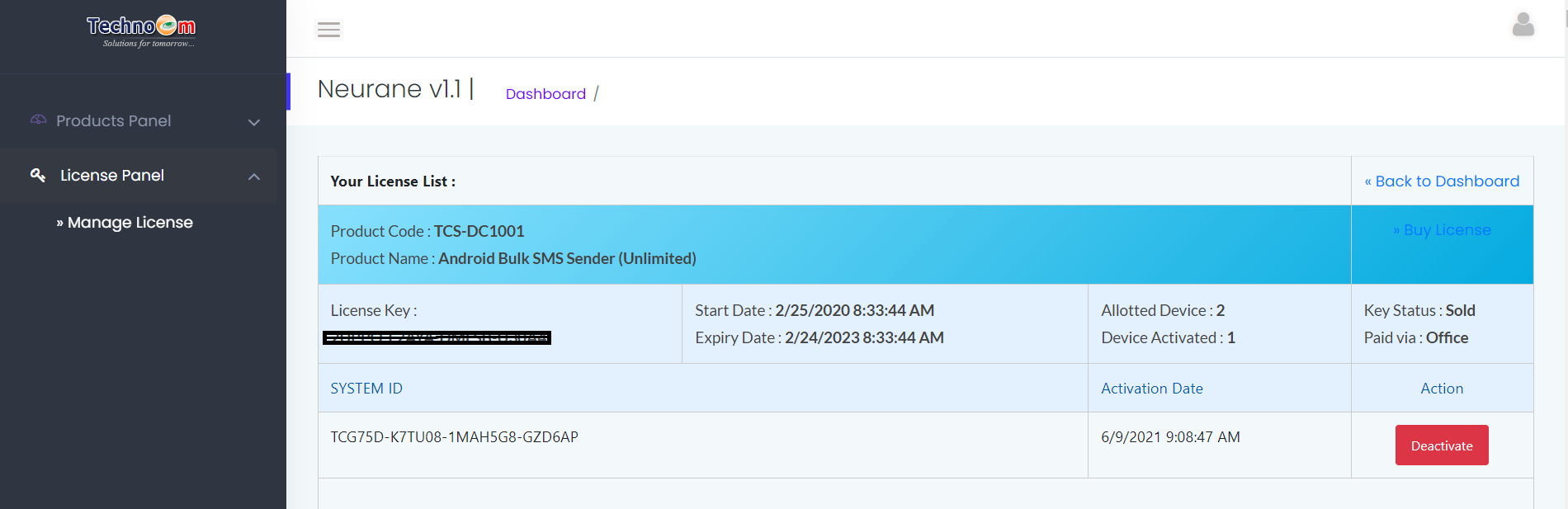
Step 2 : Find License Key and then Click on Deactivate
Copyright © LantechSoft | info@lantechsoft.com


