
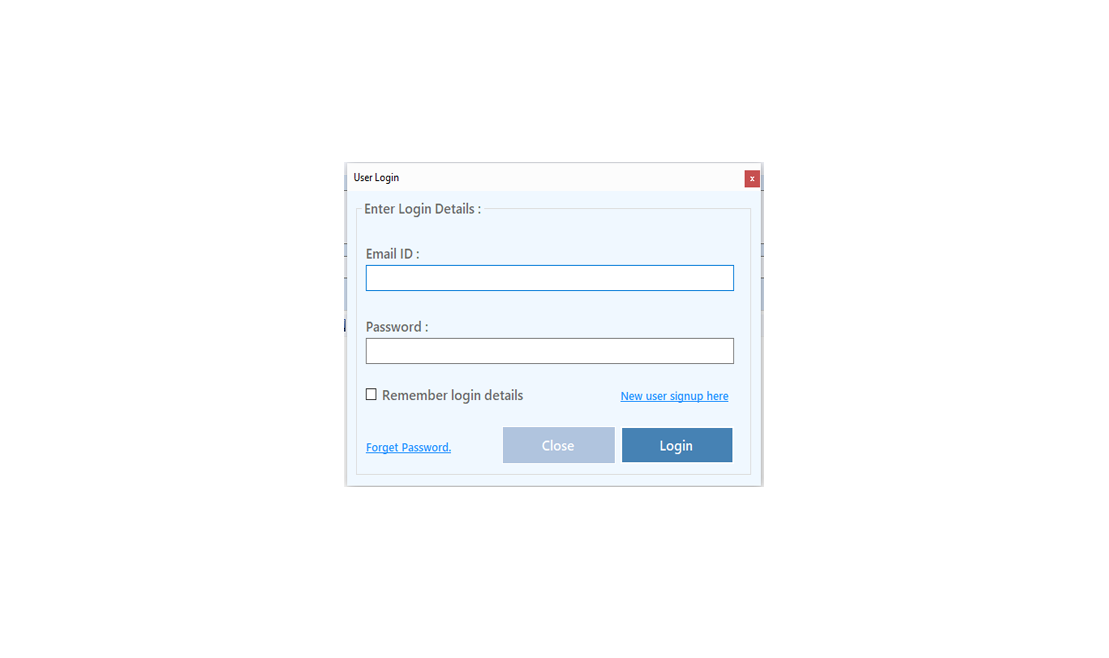
To Improve user Experience and Security we Introduce Signup and login Feature in our Software.
Step 1: Sighup
Click on New User Signup Link
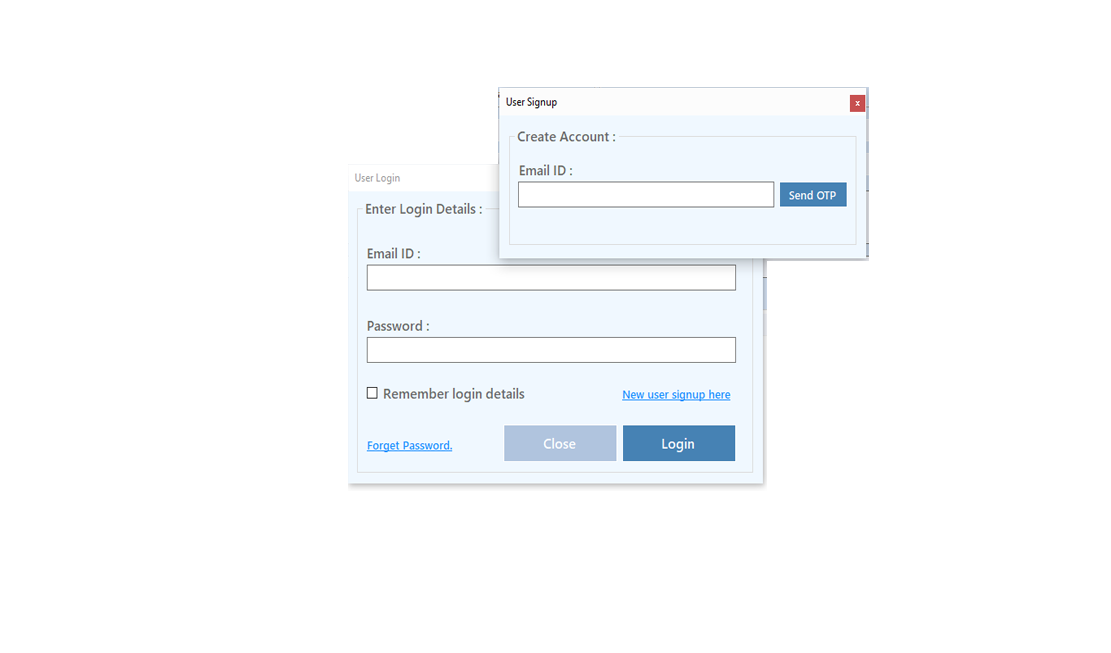
Enter your Email and click on Send OTP Button
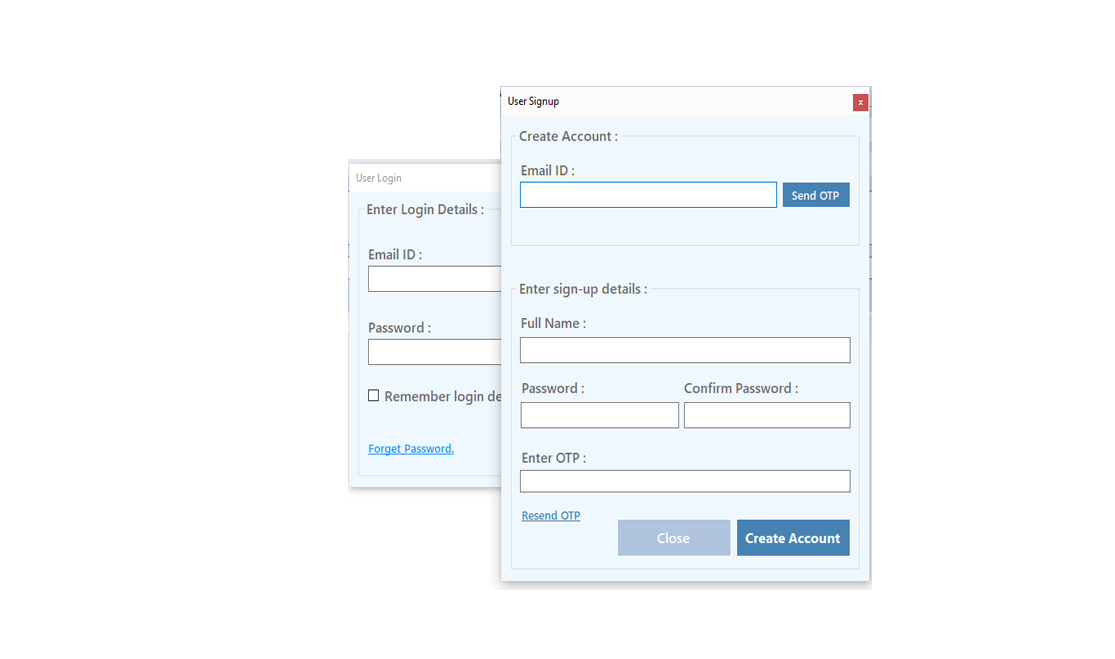
Enter OTP and Fill Details then click onCreate Account Button
Step 2: Login Your Account
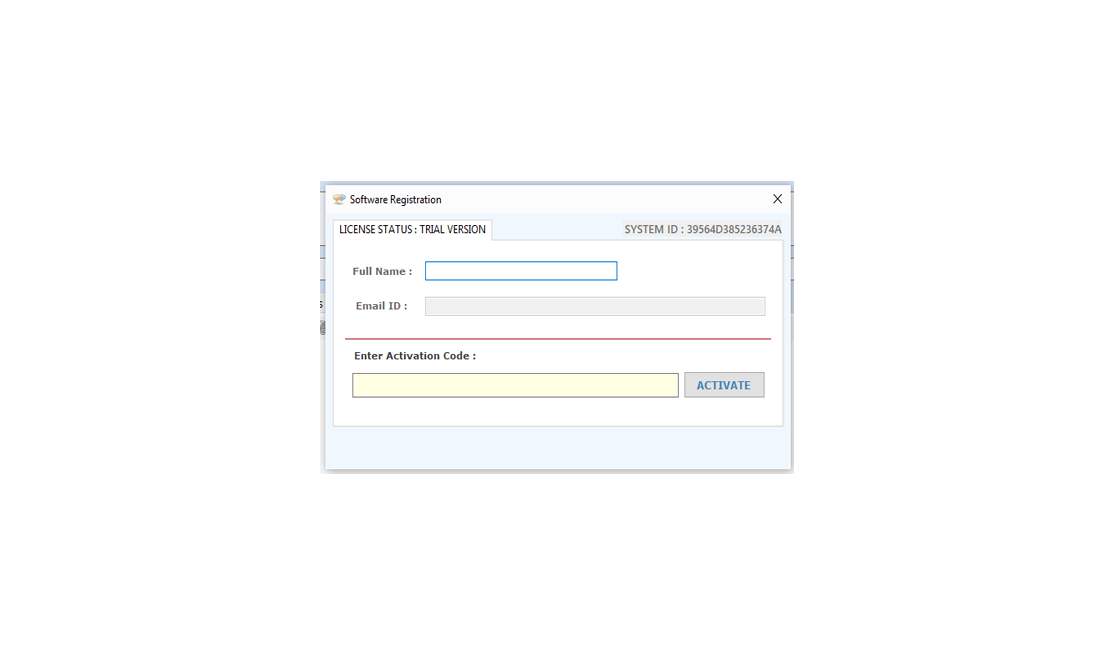
After Login you can Activate your license. The License will Assigned on the Email and always will work with that email.You can't assign license to other email after activation.
Step 1: Visit Help Menu and Select Activate
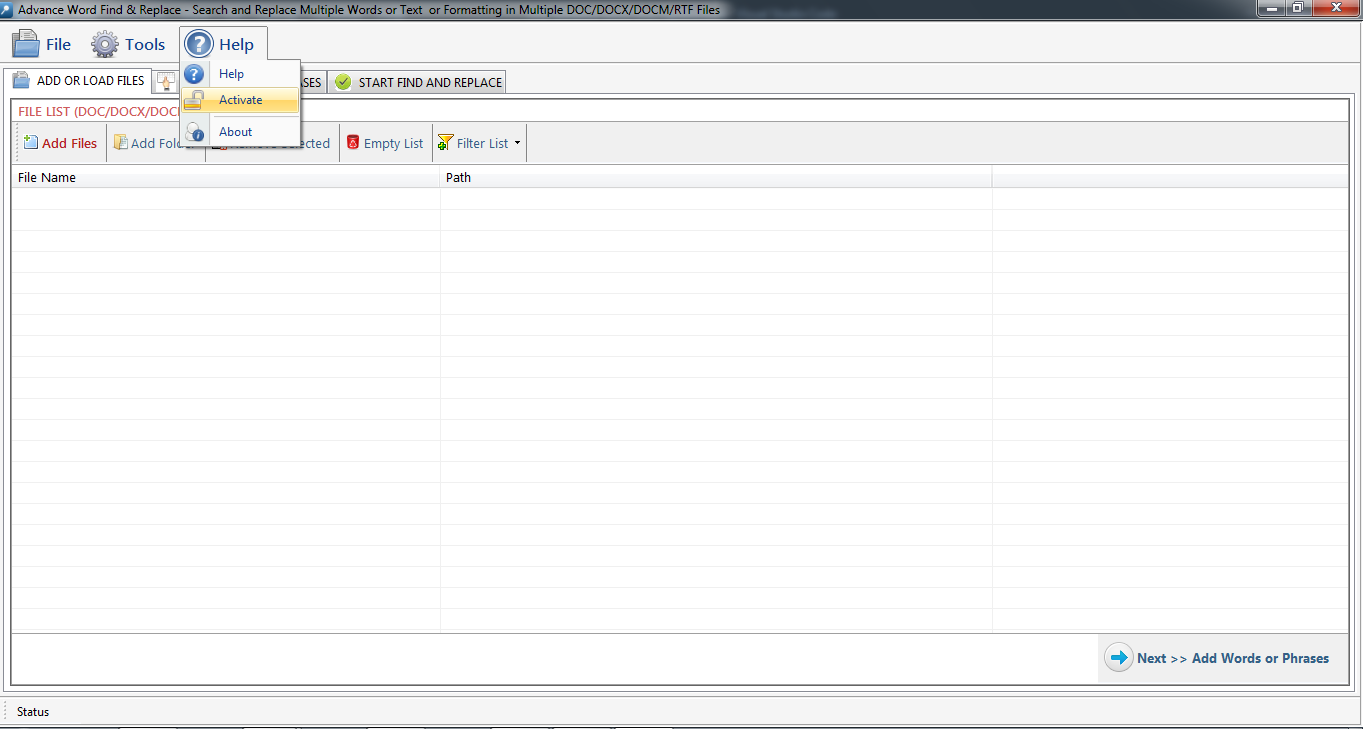
Step 2: Enter the License Key then Click on Activate Button
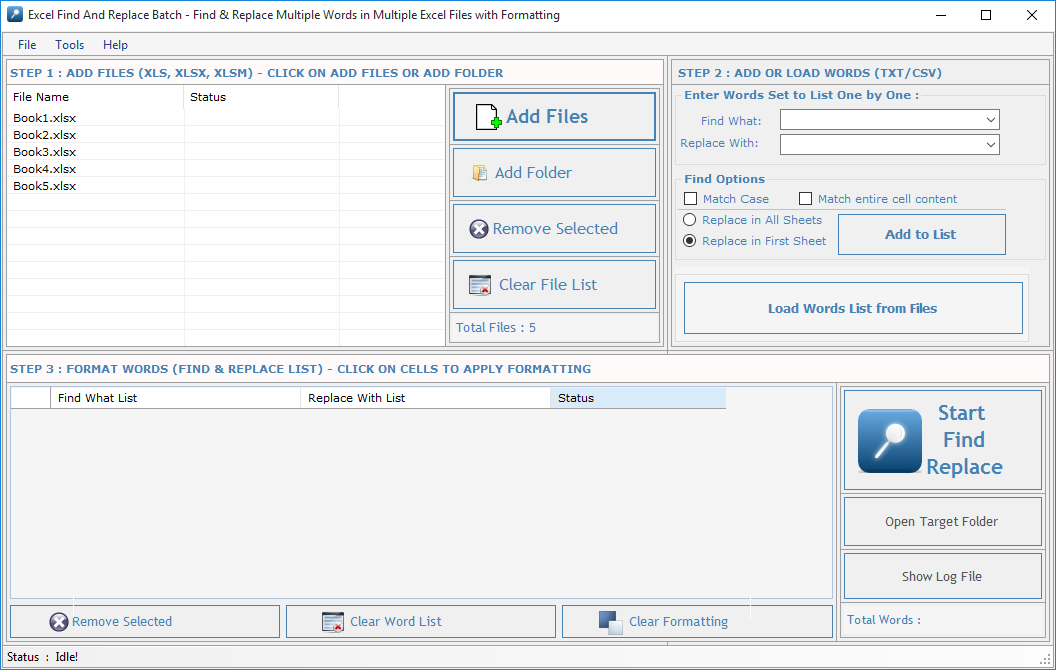
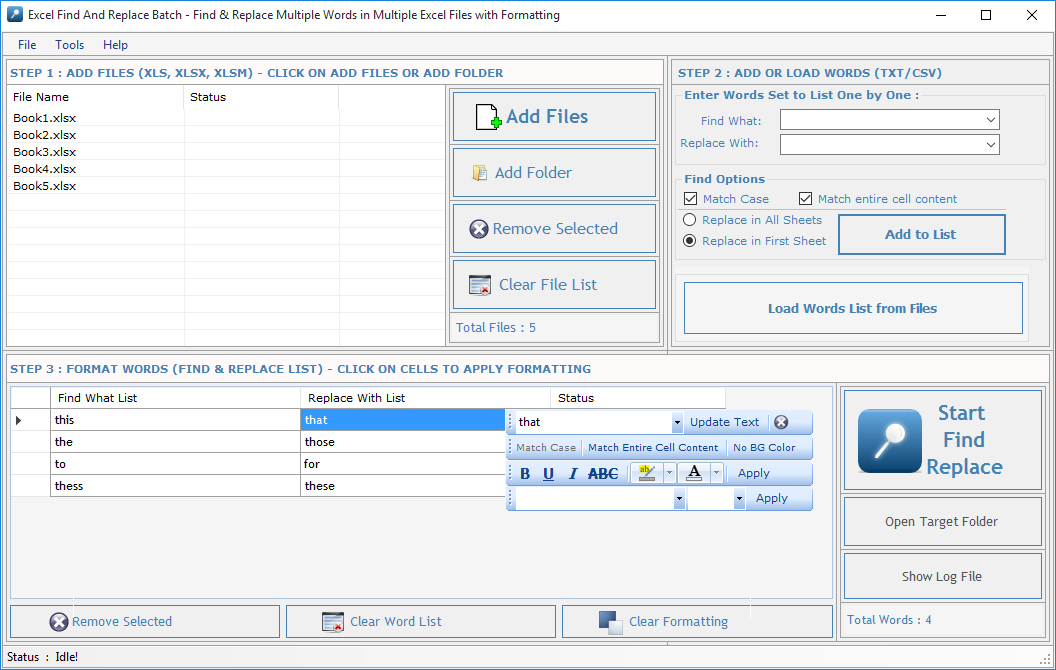
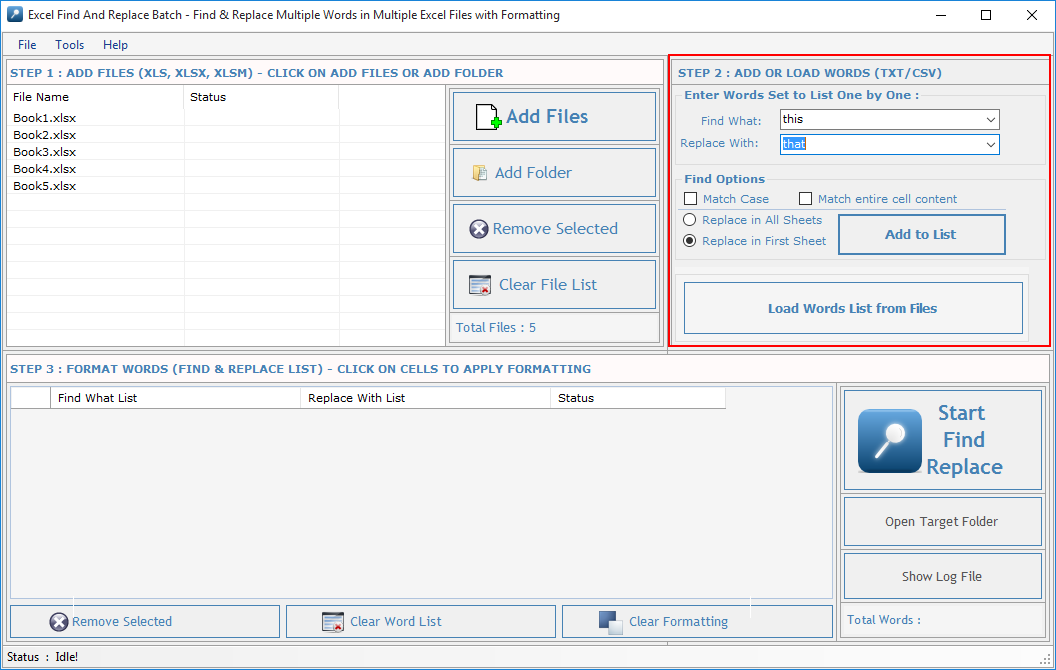 Find What: Enter word in this text box to Find. You can also find special characters like Paragraph Marks, Tab Characters, Manual Line Breaks and all special characters available in MS-EXCEL FILE which is not listed here.
You can also use Wildcard Characters (*).
Replace With: Enter word in this text box to Replace. You can also replace special characters like Paragraph Marks, Tab Characters, Manual Line Breaks etc. as you do in MS-EXCEL FILE.
Find Options: Before adding word set select your desired find options.
Match Case: Check this option if you want your search to be case sensitive.
Match entire cell content:Check this option if you want your search to be cell specific.
Replace in All Sheets: Check this option if you want to search and replace in entire workbook.
Replace in First Sheet: Check this option if you want to search and replace only in first sheet of workbook.
Find What: Enter word in this text box to Find. You can also find special characters like Paragraph Marks, Tab Characters, Manual Line Breaks and all special characters available in MS-EXCEL FILE which is not listed here.
You can also use Wildcard Characters (*).
Replace With: Enter word in this text box to Replace. You can also replace special characters like Paragraph Marks, Tab Characters, Manual Line Breaks etc. as you do in MS-EXCEL FILE.
Find Options: Before adding word set select your desired find options.
Match Case: Check this option if you want your search to be case sensitive.
Match entire cell content:Check this option if you want your search to be cell specific.
Replace in All Sheets: Check this option if you want to search and replace in entire workbook.
Replace in First Sheet: Check this option if you want to search and replace only in first sheet of workbook.
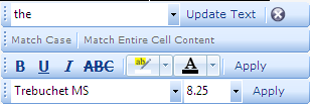
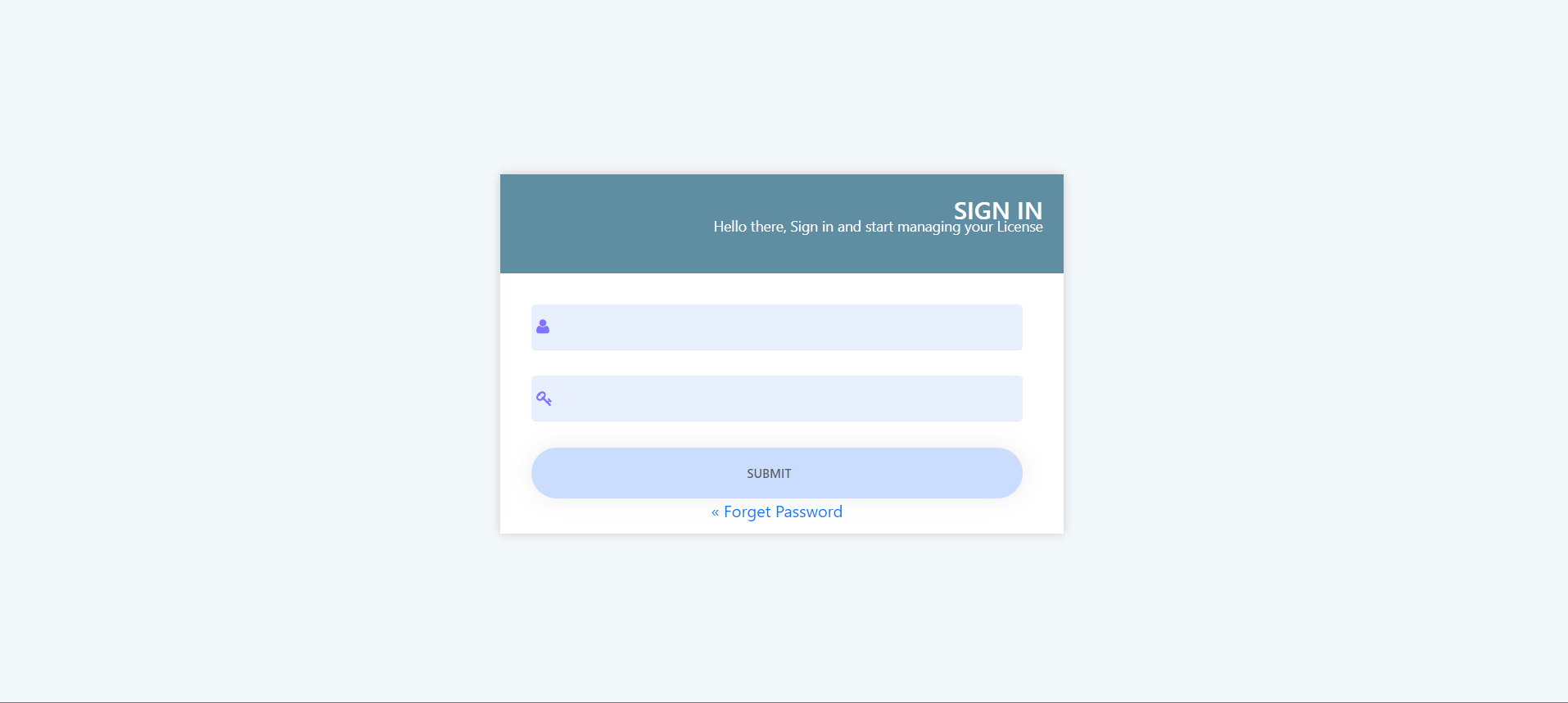
Visit: https://neurane.com/user/ Now Login
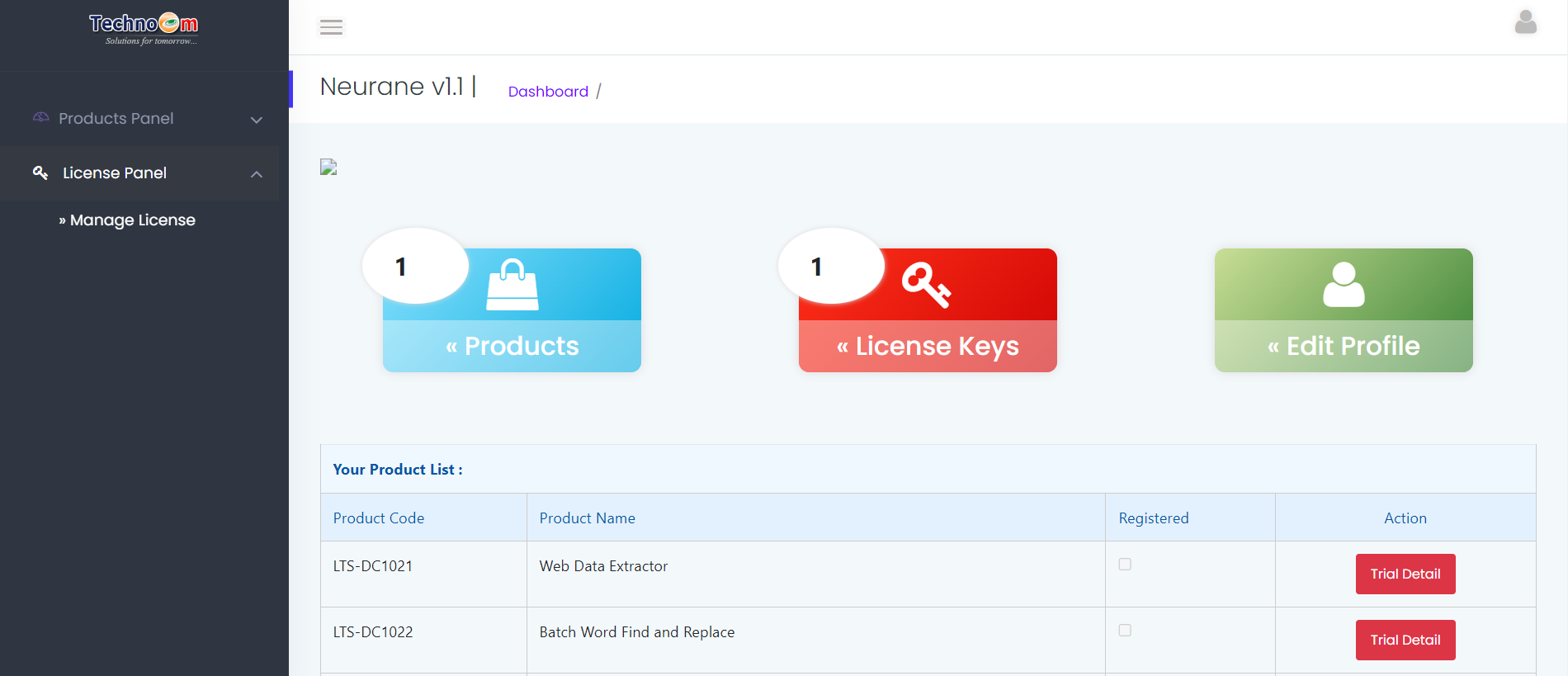
Step 1 : Click on License Panel > Manage License
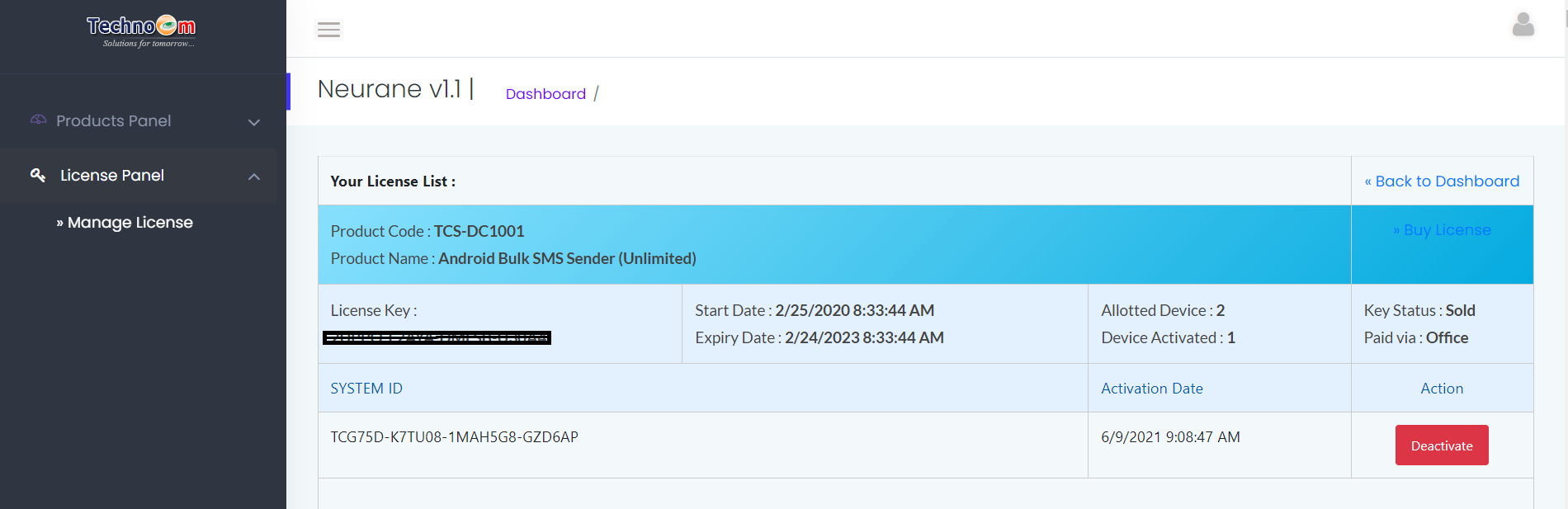
Step 2 : Find License Key and then Click on Deactivate
Copyright © LantechSoft | info@lantechsoft.com


