
Managing office documents becomes increasingly difficult when you have hundreds or even thousands of files to process. Converting documents, combining reports, splitting large files, changing document properties, or performing the same operation across multiple files can consume significant amounts of time when handled manually.
This is where Office File Management Software can make a practical difference.
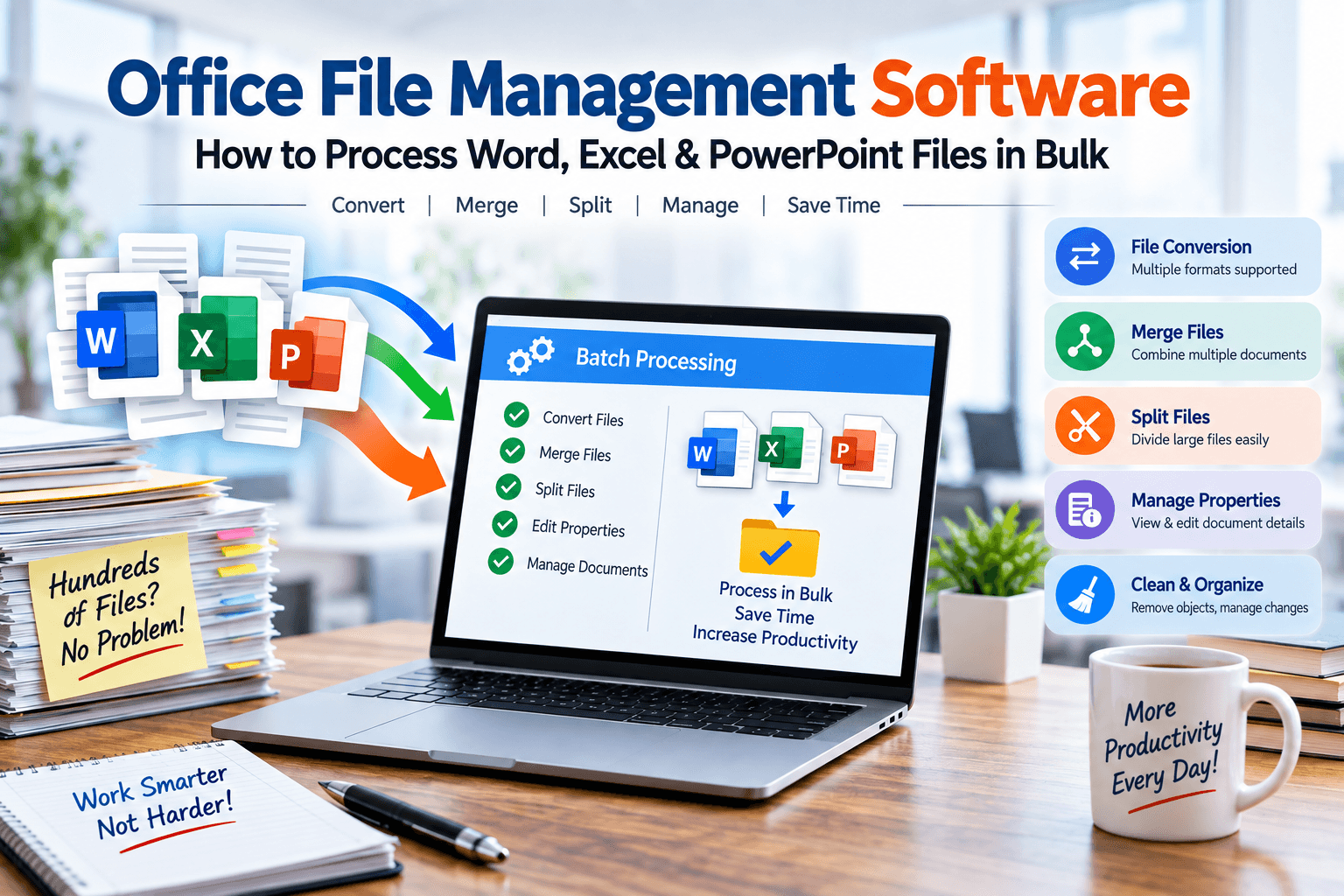
Instead of opening each Word document, Excel spreadsheet, or PowerPoint presentation individually, specialized office-file utilities can help automate repetitive tasks and process multiple files in a single workflow.
LantechSoft provides a range of tools designed for Word, Excel and PowerPoint file conversion, merging, splitting, metadata management and other bulk document operations.
What Is Office File Management Software?
Office File Management Software refers to utilities designed to help users organize, convert, edit, combine, split, inspect, or process office documents.
These tools can be particularly useful when working with large collections of:
- Microsoft Word documents
- Excel spreadsheets
- PowerPoint presentations
- Business reports
- Project documentation
- Training documents
- Research files
- Archived office files
For a small number of files, manual processing may be manageable. However, repetitive operations become increasingly time-consuming as the number of files grows.
A batch-processing approach changes the workflow from:
Open → Edit → Save → Close → Repeat
to:
Select Files → Choose Operation → Process
This can reduce repetitive manual work and simplify large-scale document management.
Why Bulk Office File Processing Matters
Imagine that an organization has 500 Word documents that need to be converted into another format.
Processing every document manually could involve:
- Opening the document
- Selecting the required format
- Saving the document
- Closing the file
- Moving to the next document
The same problem can occur with Excel spreadsheets and PowerPoint presentations.
Batch-processing utilities are designed to handle multiple files together, which can be useful for document migration, archiving, reporting and administrative workflows.
Common challenges that bulk-processing software can help address include:
- Repetitive file conversion
- Large document collections
- Manual file merging
- Splitting large documents
- Inconsistent document properties
- Spreadsheet consolidation
- Document archiving
- Routine formatting and management tasks
Key Features to Look for in Office File Management Software
When selecting an office-file management solution, it is useful to consider the types of operations you perform regularly.
1. Batch File Conversion
One of the most common requirements is converting multiple office files between formats.
For example, Word documents may need to be converted to ODT or RTF, while Excel files may need to be converted to ODS.
LantechSoft provides dedicated utilities such as Batch Word to ODT Converter, Batch Word to RTF Converter, Batch RTF to Word Converter, Batch Excel to ODS Converter, and broader file-conversion utilities.
Batch conversion can be useful when:
- Migrating document archives
- Preparing files for different applications
- Converting legacy documents
- Standardizing document formats
- Processing large numbers of files
2. Merge Multiple Word Documents
Businesses often store different sections of a project or report in separate Word documents.
For example:
- Monthly reports
- Department reports
- Training materials
- Research chapters
- Project documentation
- Business proposals
Manually copying all of these files into one document can be inconvenient.
A tool such as Batch Word Document Binder can be used to combine multiple Word documents into a single document.
This can simplify document consolidation while reducing repetitive copy-and-paste work.
3. Split Large Word Documents
The opposite situation can also occur.
You may have one large Word document that needs to be separated into multiple files.
For example, a large document could contain:
- Multiple chapters
- Department sections
- Customer information
- Project reports
- Training modules
A Batch Word Document Splitter can help divide documents into separate files instead of requiring users to manually copy sections and save them individually.
Excel File Management and Bulk Processing
Excel is another area where repetitive file operations can become time-consuming.
Organizations frequently work with multiple spreadsheets containing information from different:
- Departments
- Months
- Branches
- Projects
- Customers
- Locations
Office file management utilities can simplify several common Excel workflows.
Merge Multiple Excel Files
Suppose a business maintains separate Excel workbooks for January, February and March.
Instead of manually copying data from every workbook, an Excel file-binder utility can help consolidate multiple Excel files.
LantechSoft’s Excel File Binder is designed for combining Excel files, while its collection also includes utilities for Excel conversion and file splitting.
Potential applications include:
- Monthly reporting
- Financial data consolidation
- Department reports
- Project spreadsheets
- Multi-location reports
Split Excel Files
Large workbooks sometimes contain multiple worksheets that need to be distributed separately.
For example, a company may have one workbook containing sheets for:
- Sales
- Marketing
- HR
- Finance
- Operations
An Excel File Splitter can help separate worksheets into individual files, making distribution and organization easier.
Manage Word and Excel Document Properties
File content is not the only information that organizations need to manage.
Office documents can also contain properties such as:
- Author
- Title
- Document information
- Other metadata
When hundreds of files are involved, reviewing or modifying these properties individually can become inefficient.
LantechSoft provides tools such as Word Document Details Editor, Word Document Details Extractor, Excel Document Details Editor, and Excel Document Details Extractor for working with document properties.
These utilities can be useful for:
- Document inventories
- Archive management
- Metadata collection
- File administration
- Standardizing document information
Word Document Cleanup and Management
Document management can involve more than conversion.
Some Word files contain unnecessary objects, hyperlinks, images or tracked changes that need to be reviewed before the final document is distributed.
Specialized utilities can help with these operations.
Word Document Object Removal
The Word Document Object Remover is designed to remove unwanted objects and images from Word documents and can also handle hyperlinks.
Track Changes Management
Reviewed documents may contain numerous tracked edits.
Accept Reject Track Changes Word is designed to help accept or reject tracked changes across Word documents, which can be useful when preparing multiple reviewed documents for final distribution.
Page Setup Management
Maintaining consistent page settings across a large collection of documents can also be challenging.
Word Page Setup Manager can help manage settings such as margins and orientation across Word files.
PowerPoint File Management
Office file management isn’t limited to Word and Excel.
PowerPoint presentations can also require bulk operations such as:
- Conversion
- Merging
- Splitting
- Metadata management
- Presentation organization
LantechSoft’s current software collection includes PowerPoint utilities such as PowerPoint Binder Tool, PowerPoint Splitter Tool, Total PowerPoint Files Converter, and presentation-details tools.
This makes specialized utilities useful for organizations that regularly manage large presentation collections.
Who Can Benefit from Office File Management Software?
Office file-processing software can be useful for a wide range of users.
Businesses
Companies often maintain large collections of reports, spreadsheets, presentations and documents.
Batch-processing utilities can simplify repetitive file operations.
Office Administrators
Administrative teams frequently work with documents from different departments and may need to convert, organize, merge or split files.
HR Teams
HR departments can work with large collections of employee documents, reports and forms.
Finance Teams
Finance professionals frequently manage large numbers of spreadsheets and reports.
Researchers and Educators
Researchers and educators may need to organize, convert and consolidate large collections of documents.
Freelancers and Professionals
Freelancers who regularly handle client documentation can use batch utilities to reduce repetitive file-management tasks.
How to Choose the Right Office File Management Tool
The right software depends on the task you need to perform.
If your main requirement is file conversion, choose a converter that supports the required source and destination formats.
If you need to combine multiple documents, look for a document binder.
If you need to separate large files, a splitter may be more appropriate.
If you need to manage document properties, consider a metadata editor or extractor.
For users who regularly perform several Word operations, a broader utility such as Batch Word Utilities may provide a more convenient workflow. LantechSoft currently lists Batch Word Utilities among its software offerings.
The important consideration is to match the software to your actual workflow rather than selecting a tool based only on the file format it supports.
Benefits of Batch Office File Processing
Using specialized office-file utilities can provide several practical benefits.
Save Time
Processing multiple files together can reduce repetitive manual operations.
Handle Large File Collections
Batch tools are particularly useful when working with hundreds or thousands of files.
Reduce Repetitive Work
Automating routine operations means users don’t have to repeat the same steps for every file.
Improve Organization
Merge and split utilities can help structure large document collections.
Simplify File Migration
Conversion tools can make it easier to move documents between supported file formats.
Standardize Documents
Tools for page settings and document properties can help maintain consistency across file collections.
LantechSoft Office File Management Solutions
LantechSoft offers a collection of specialized utilities covering different office-file requirements.
Its current product listings include tools for:
- Word file conversion
- Excel file conversion
- PowerPoint conversion
- Word document merging
- Excel file merging
- PowerPoint presentation merging
- Word document splitting
- Excel file splitting
- PowerPoint presentation splitting
- Document property editing
- Document property extraction
- Track Changes management
- Word object removal
- Word page setup management
- Batch Word processing
Rather than relying on one application for every task, users can choose a dedicated utility according to their specific document-management requirements.
Frequently Asked Questions
What is Office File Management Software?
Office File Management Software consists of utilities designed to help users convert, organize, merge, split, edit or process office documents such as Word, Excel and PowerPoint files.
Can office file software process multiple files?
Yes. Batch-processing utilities are specifically designed to perform operations on multiple files rather than requiring users to process every file individually.
Can I convert multiple Word files at once?
Yes. LantechSoft provides batch-oriented Word conversion utilities for supported formats, including ODT and RTF.
Can I merge multiple Word documents?
Yes. LantechSoft’s Batch Word Document Binder is designed to combine multiple Word documents.
Can I split a large Word document?
Yes. Batch Word Document Splitter is designed to divide Word documents into separate files.
Can I merge Excel files?
Yes. LantechSoft provides an Excel File Binder for combining Excel files.
Can I split Excel worksheets?
Yes. Excel File Splitter is designed to split Excel worksheets into separate files.
Can I manage Word and Excel document properties?
Yes. LantechSoft offers document-details editors and extractors for Word and Excel files.
Final Thoughts
Managing hundreds of Word documents, Excel spreadsheets and PowerPoint presentations manually can turn simple operations into repetitive work.
Office File Management Software provides a way to approach these workflows through specialized utilities for conversion, merging, splitting, metadata management and other bulk file operations.
Whether you are managing business reports, spreadsheets, presentations, archived documents or project files, choosing tools based on your specific workflow can help simplify everyday document management.
LantechSoft provides a range of dedicated Word, Excel and PowerPoint utilities that cover many of these common requirements.
Explore the LantechSoft Office File Converter collection to find tools for converting, merging, splitting and managing office files.
