
Online reviews have become an important part of how customers evaluate businesses before making a decision. Whether someone is searching for a restaurant, salon, hotel, clinic, retail store, agency, or local service provider, Google reviews can provide valuable insight into other customers’ experiences.
The challenge is not necessarily delivering a good customer experience. Many satisfied customers simply forget to leave a review.
This is where a Google review QR code can make the process easier.
Instead of asking customers to search for your business on Google, find the correct Business Profile, and then locate the review option, businesses can give customers a direct path to their review page with a simple QR code.
With a platform such as iTrustQR, businesses can combine QR-based review requests with customer feedback collection and reputation insights to create a more organized review management process.
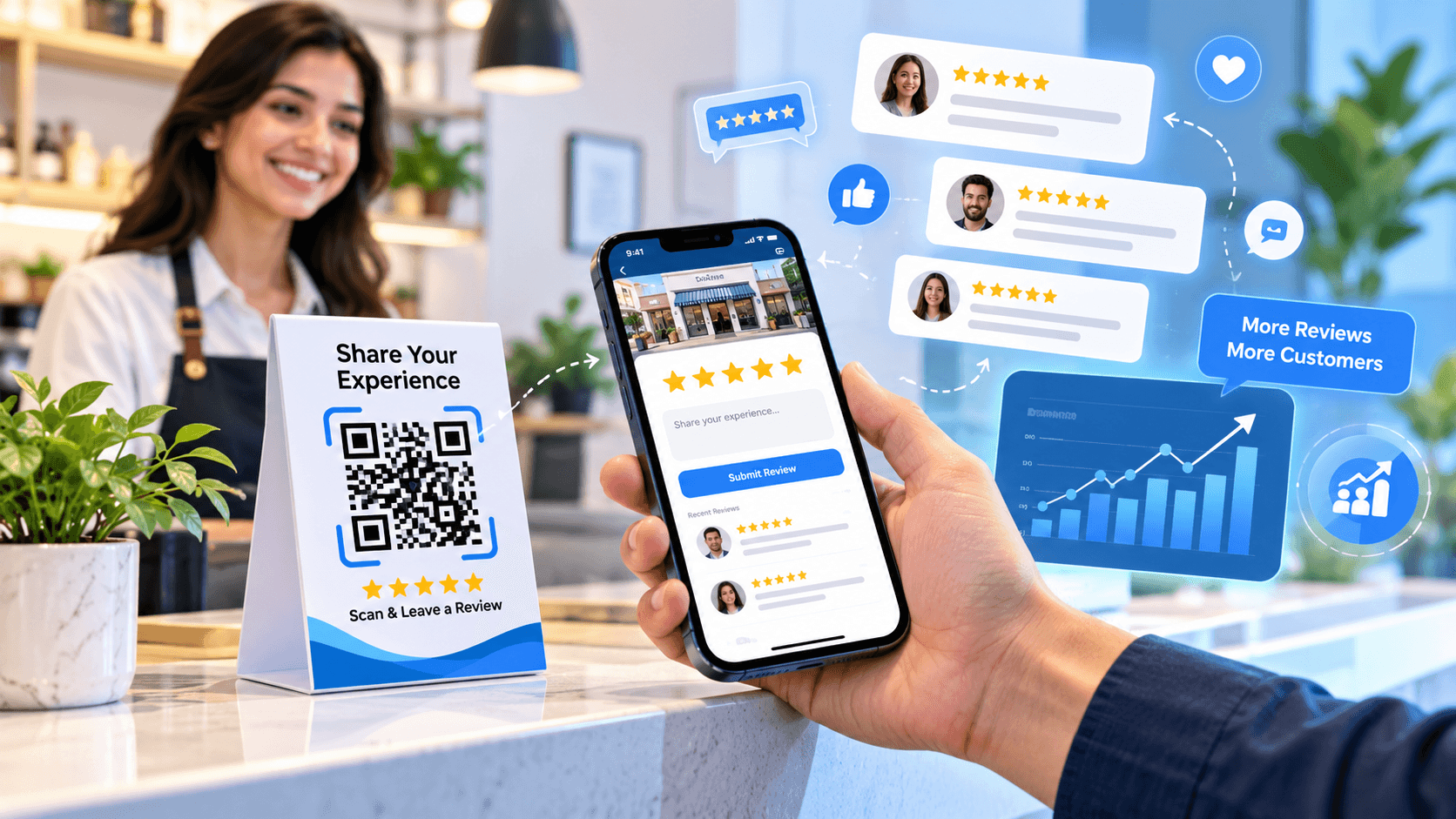
Why Businesses Need More Google Reviews
A business can have excellent products and services, but potential customers may still hesitate if they cannot find enough recent customer feedback online.
Reviews can help customers understand:
- What other people experienced
- How the business responds to customers
- What products or services are available
- Whether the business appears active
- How customers describe the overall experience
Google itself recommends making it easier for customers to leave reviews by sharing a review link or QR code. Google specifically suggests using these links or QR codes on receipts, thank-you emails, chat interactions, and in-store displays.
The goal should not be to manufacture positive reviews. Instead, businesses should make it simple for genuine customers to share their honest experiences.
Why Customers Often Don’t Leave Reviews
Getting customers to review a business sounds simple, but there is often friction in the process.
Imagine a customer has just finished a purchase or received a service. You ask them:
“Could you please leave us a Google review?”
They may genuinely intend to do it.
But later they have to:
- Open Google.
- Search for the business.
- Find the correct listing.
- Open the Business Profile.
- Locate the review section.
- Write their feedback.
- Submit the review.
By the time they get home, the customer may have forgotten.
A QR code reduces these unnecessary steps.
How a Google Review QR Code Works
A Google review QR code provides customers with a quick way to reach the review page associated with a business.
The process can be as simple as:
Scan → Open Review Page → Share Experience
Businesses can place the QR code where customers naturally interact with them.
For example:
- Restaurant tables
- Billing counters
- Receipts
- Packaging
- Business cards
- Product inserts
- Reception desks
- Hotel rooms
- Appointment cards
- Thank-you cards
- Email communications
- Customer support interactions
Google officially supports creating a review link or QR code for requesting reviews from customers.
How to Get More Google Reviews Without Being Pushy
The objective should not be to repeatedly ask customers for reviews.
Instead, make the request convenient and timely.
1. Ask After the Customer Experience
The best opportunity to request feedback is often shortly after the customer has interacted with your business.
For example:
Restaurant: After the customer finishes their meal.
Salon: After the service is completed.
Hotel: After checkout.
Retail store: After a successful purchase.
Service company: After completing the job.
A simple request such as:
“We’d love to hear about your experience. Scan the QR code to share your feedback on Google.”
can be enough.
2. Put the QR Code Where Customers Can See It
A QR code hidden somewhere on a website may not generate much engagement.
Consider displaying it at physical and digital customer touchpoints.
For example:
At a restaurant
Scan to share your dining experience.
At a salon
Enjoyed your experience? Tell us what you think.
At a hotel
We’d love to hear about your stay.
At a service center
Tell us about your service experience.
The message should be clear without pressuring customers to leave a particular type of review.
3. Make the Review Process Mobile-Friendly
Most customers will scan a QR code using a smartphone.
That means the experience after scanning should be quick and easy to understand.
A complicated process can reduce the likelihood that a customer completes the review.
This is one of the main advantages of using a dedicated review QR code system: the business can create a consistent pathway from the physical customer interaction to the digital feedback experience.
4. Use Customer Feedback to Improve Your Business
Reviews are only one part of customer feedback.
A customer may have an issue that they want to communicate directly to the business rather than publicly.
This is where a feedback management system can become useful.
With a platform such as iTrustQR, businesses can create a customer feedback experience alongside their review collection process.
This can help businesses identify recurring issues such as:
- Slow service
- Product quality concerns
- Long waiting times
- Staff communication
- Delivery problems
- Booking difficulties
- Customer support issues
Instead of treating feedback simply as a rating, businesses can use it as a source of operational insight.
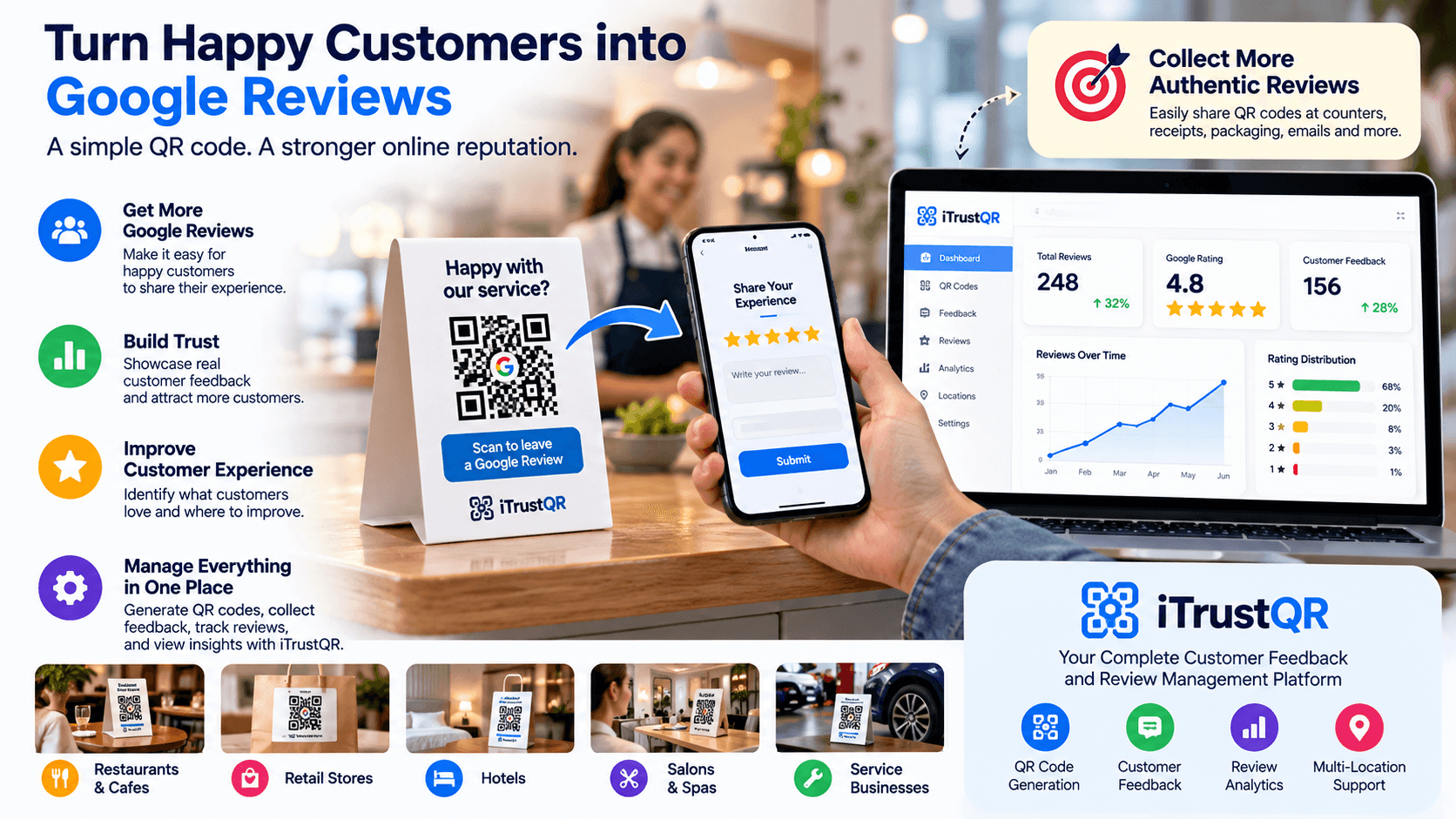
What Is iTrustQR?
iTrustQR is a QR-based customer feedback and reputation management platform designed to help businesses simplify review collection and understand customer feedback.
The platform brings together features such as:
- Smart QR code generation
- Google Business integration
- Customer feedback collection
- Review insights
- Analytics
- Multi-language support
- Dynamic QR codes
- Reputation management tools
This allows businesses to create QR-based customer feedback campaigns for different locations, services, or customer touchpoints.
Google Review QR Code vs. Traditional Review Requests
A traditional review request may look like this:
“Please search our business on Google and leave us a review.”
A QR-based request can be much simpler:
“Scan this QR code to share your experience.”
The difference is convenience.
A customer does not need to remember the exact business name or search manually.
The QR code can connect the customer directly to the appropriate destination.
This makes QR codes particularly useful for businesses that interact with customers in physical locations.
Use Different QR Codes for Different Locations
Businesses with multiple branches can take their review strategy a step further.
Instead of using one generic QR code everywhere, businesses can create separate QR codes for different locations or customer touchpoints.
For example:
- New York location
- Los Angeles location
- Chicago location
- Restaurant counter
- Delivery packaging
- Website
- Customer support
- Post-purchase email
This approach can make it easier to understand where customer interactions are generating feedback.
For businesses managing multiple locations, structured review data can also make reputation management more organized.
QR Codes Can Work Across Different Industries
A Google review QR code is not limited to restaurants.
Restaurants and Cafes
Place QR codes on tables, receipts, menus, takeaway packaging, or billing counters.
Hotels
Display review QR codes at checkout areas, guest rooms, or thank-you communications.
Salons and Spas
Ask customers for feedback after completing their appointment.
Healthcare and Wellness Businesses
Provide an easy way for customers to share their experience while following applicable privacy and regulatory requirements.
Retail Stores
Add QR codes to receipts, packaging, or checkout displays.
Automobile Service Centers
Customers can scan a QR code after completing a service or vehicle repair.
Educational and Training Businesses
Schools, coaching centers, and training providers can use feedback QR codes to collect experiences from appropriate customers, students, or parents.
Professional Services
Agencies, consultants, repair companies, and other service providers can use QR codes as part of their post-service communication.
Don’t Buy or Incentivize Google Reviews
Getting more reviews should never mean purchasing reviews or manipulating customer feedback.
Google states that reviews and other user contributions must reflect genuine experiences. Google also prohibits offering incentives such as free or discounted products or services in exchange for reviews.
Businesses should also avoid selectively asking only customers they expect to leave positive reviews while discouraging negative feedback. Google’s policies specifically address this type of review manipulation.
A sustainable review strategy should focus on making it easy for real customers to share honest experiences.
Responding to Your Google Reviews Matters Too
Collecting reviews is only one part of reputation management.
Businesses should also pay attention to the reviews they receive.
Google recommends responding to customer reviews, and verified businesses can reply through their Business Profile.
A thoughtful response can demonstrate that the business is paying attention to customer feedback.
For positive reviews, a simple thank-you can acknowledge the customer.
For negative reviews, businesses can respond professionally, acknowledge the concern, and provide an appropriate way to continue the conversation when necessary.
Turn Reviews Into Business Insights
A review should not simply be viewed as a star rating.
Customer feedback can reveal patterns.
For example, if multiple customers mention:
“The service was excellent, but the waiting time was too long.”
that information can help management identify an operational problem.
Similarly, repeated comments about:
- Friendly employees
- Product quality
- Fast delivery
- Clean facilities
- Customer support
- Pricing
- Waiting times
can help a business understand what customers appreciate and where improvements may be needed.
This is where review analytics and feedback dashboards can provide additional value.
A Simple Google Review Strategy for 2026
Businesses can build a straightforward review collection workflow:
Step 1: Create Your Google Review Link
Generate the review link or QR code associated with your Google Business Profile.
Step 2: Create a Branded QR Experience
Use a platform such as iTrustQR to create a professional QR-based customer feedback experience.
Step 3: Place QR Codes at Customer Touchpoints
Add them to receipts, tables, packaging, counters, cards, emails, or other appropriate locations.
Step 4: Ask for Honest Feedback
Train employees to make a polite and neutral request rather than pressuring customers.
Step 5: Monitor Customer Feedback
Look for recurring issues, frequently mentioned strengths, and opportunities for improvement.
Step 6: Respond to Reviews
Regularly monitor your Google Business Profile and respond appropriately to customer reviews.
Step 7: Improve the Customer Experience
Use the information you receive to improve products, services, processes, and customer support.
Why iTrustQR Can Be Part of Your Review Strategy
A QR code by itself is simply a convenient access point.
A broader reputation management system can help businesses connect that QR interaction with customer feedback and analytics.
iTrustQR is designed around this idea.
Instead of treating review collection as a one-time campaign, businesses can use QR codes as part of an ongoing customer feedback strategy.
This can help organizations:
- Simplify review requests
- Collect customer feedback
- Monitor customer sentiment
- Identify service issues
- Understand customer experiences
- Manage multiple QR campaigns
- Analyze feedback trends
- Build a more structured reputation management process
Final Thoughts
Getting more Google reviews does not have to involve complicated campaigns.
Sometimes the biggest improvement comes from simply making the process easier for customers.
A Google review QR code gives customers a convenient way to reach your review page immediately after interacting with your business. Combined with a structured feedback and reputation management platform such as iTrustQR, QR codes can become part of a broader strategy for collecting authentic customer feedback.
The key is to focus on genuine experiences rather than chasing ratings.
Make feedback easy to provide, listen to what customers are saying, respond professionally, and use those insights to improve the customer experience.
For businesses looking to build a more organized approach to online reputation management in 2026, a smart QR-based feedback strategy can be a practical place to start.
