
In today’s competitive business environment, reaching customers quickly and effectively is essential for business growth. Whether you run a retail store, an educational institute, a travel agency or a service-based company, communicating important updates and promotional offers to customers can help build stronger business relationships.
Bulk SMS Marketing is one way businesses can communicate with multiple customers through text messages. It can be used for sharing business updates, appointment reminders, order notifications, special offers and other relevant information.
With the help of Bulk SMS Software, businesses can organize and send messages to multiple recipients more efficiently instead of preparing and sending every message individually.
In this guide, we will explore what bulk SMS marketing is, how it works, its benefits, practical business applications and how to choose the right Bulk SMS Sender Software.
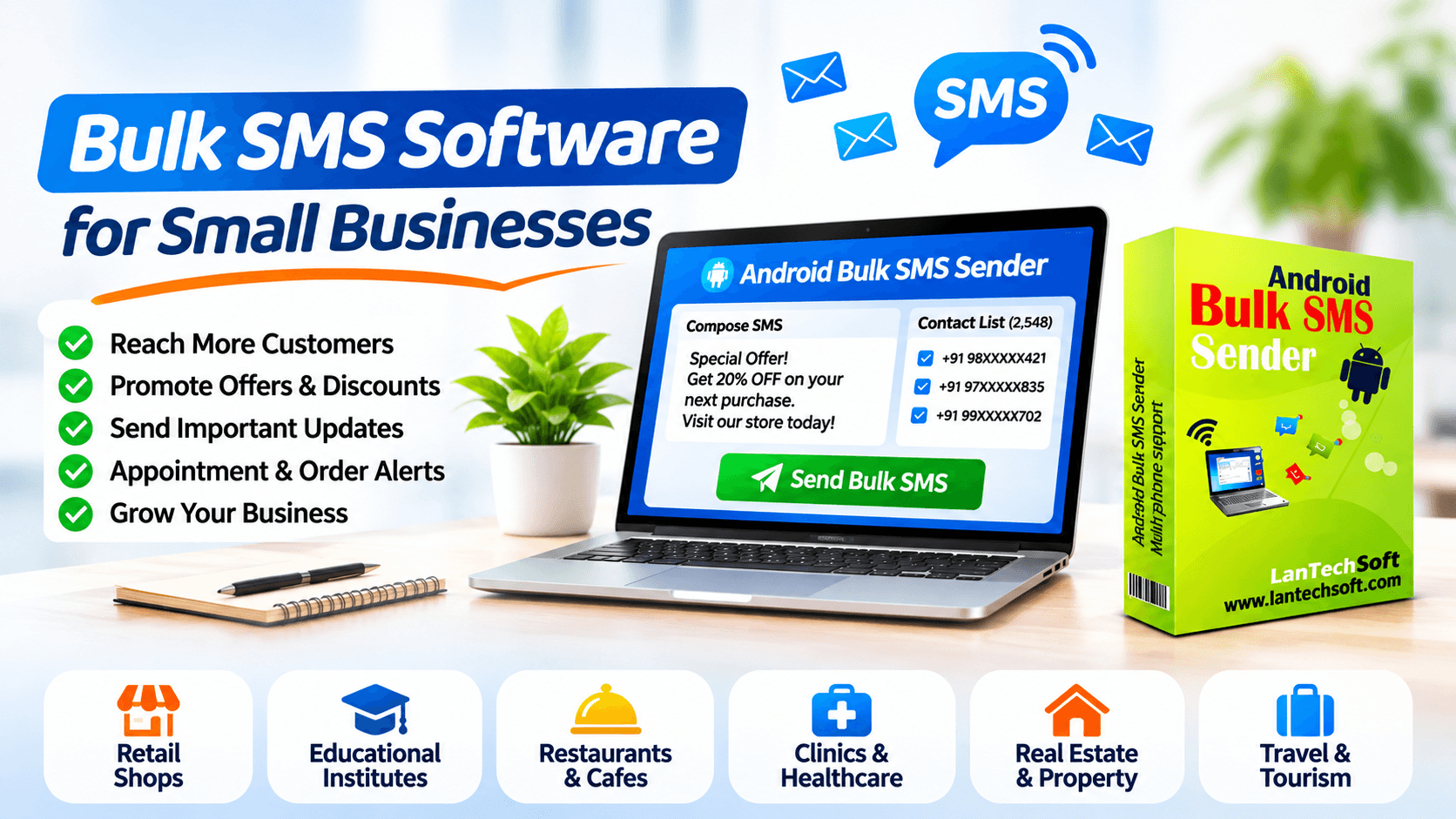
What Is Bulk SMS Marketing?
Bulk SMS Marketing is the process of sending text messages to multiple mobile phone numbers through an SMS delivery solution.
Instead of sending individual messages one by one, businesses can prepare a message and distribute it to a selected group of recipients.
For example, a retail business may want to inform its customers about a weekend discount. Rather than contacting every customer separately, it can use an appropriate bulk messaging solution to distribute the announcement.
Bulk SMS can be used for several purposes:
- Promotional offers and seasonal discounts
- New product announcements
- Appointment reminders
- Order and delivery updates
- Event notifications
- Customer service updates
- Important business announcements
The most effective SMS campaigns focus on relevant communication rather than sending frequent, unwanted messages.
How Does Bulk SMS Software Work?
Bulk SMS Software helps simplify the process of preparing and distributing messages to multiple recipients.
Depending on the software and delivery method, the process may involve a desktop application, connected mobile devices or an SMS service provider.
A typical workflow includes the following steps:
Step 1: Prepare Your Contact List
Organize the mobile numbers of customers who have provided the required permission to receive your communications.
Step 2: Create Your Message
Write a clear and relevant message. Include important information such as your business name, offer details or customer service information.
Step 3: Configure Your SMS Software
Choose the appropriate sending method and configure the available settings according to your software and mobile network requirements.
Step 4: Select Recipients
Choose the intended recipients for your message. Make sure the contact list is relevant to the communication.
Step 5: Start Sending
Review your message and recipient list before initiating the sending process.
Step 6: Review Results
Where supported, review delivery information and other available sending reports.
10 Benefits of Bulk SMS Marketing for Small Businesses
Bulk SMS marketing can support business communication in several ways.
1. Reach Customers Quickly
SMS provides a direct communication channel to mobile phone users. Businesses can share important updates without depending entirely on email or social media.
2. Save Time on Repetitive Communication
Sending the same announcement individually to hundreds of customers can consume valuable working hours.
Bulk SMS Software helps automate repetitive message distribution and reduces manual effort.
3. Promote Special Offers
Retail stores, restaurants, shopping outlets and other businesses can use SMS to inform interested customers about seasonal promotions, new arrivals and special discounts.
4. Send Appointment Reminders
Clinics, salons, consultants and service providers can send appointment reminders to customers to help them stay informed about scheduled visits.
5. Improve Customer Communication
Businesses can use SMS to share relevant updates, service information and important announcements.
6. Support Event Promotions
Educational institutes, event organizers and local businesses can share event dates, registration information and schedule changes with their intended audiences.
7. Maintain Customer Relationships
Consistent and relevant communication can help businesses maintain relationships with existing customers.
8. Simplify Message Management
Dedicated messaging software can help organize contact lists, prepare messages and manage sending operations from a central interface.
9. Personalize Messages
Some SMS solutions support message personalization using customer information such as names, mobile numbers and other available fields.
Personalized messages can make communication more relevant.
10. Support Business Growth
SMS can complement other marketing channels and help businesses communicate new offers, services and updates to interested customers.
Popular Uses of Bulk SMS Marketing Across Different Industries
Bulk SMS is not limited to large organizations. Small businesses and independent professionals can also use it for relevant customer communication.
Retail Shops and Shopping Stores
Retailers can share:
- Festival discounts
- Seasonal sale announcements
- New product arrivals
- Store opening updates
- Special customer offers
Restaurants and Food Businesses
Restaurants and food outlets can communicate:
- Special menu announcements
- New dish launches
- Festival offers
- Reservation confirmations
- Order-related updates
Educational Institutes
Schools, colleges and training institutes can use SMS for:
- Admission announcements
- Examination schedules
- Fee reminders
- Class schedule updates
- Important notices
Real Estate Businesses
Property consultants and real estate agencies can share relevant information about:
- New property listings
- Project announcements
- Site visit appointments
- Property event invitations
Healthcare and Clinics
Healthcare providers can use appropriate messaging systems for:
- Appointment reminders
- Schedule changes
- Follow-up notifications
- Important service updates
Always follow applicable privacy and healthcare communication requirements.
Travel Agencies
Travel companies can share:
- Travel schedule updates
- Booking-related information
- Holiday package announcements
- Important travel notifications
How to Choose the Right Bulk SMS Software?
Selecting the right software depends on your business requirements, messaging volume and preferred delivery method.
Here are some important factors to consider.
1. Supported Sending Methods
Check whether the software uses an SMS gateway, connected mobile devices or another delivery method.
Choose a solution that matches your technical setup and mobile network requirements.
2. Multiple Phone Support
If you need to send messages through connected Android phones, check whether the software supports multiple devices.
This can be useful for businesses managing several supported mobile phones.
3. Message Personalization
Look for options to customize messages using available contact fields such as names and mobile numbers.
4. Contact List Management
A good solution should make it convenient to organize and manage recipient information.
5. Ease of Use
Choose software with a straightforward interface that does not require extensive technical knowledge.
6. Compatibility
Check supported operating systems, Android versions and hardware requirements before purchasing.
7. Sending Reports
Where available, delivery reports and sending statistics can help businesses review campaign performance.
8. Privacy and Regulatory Compliance
Ensure your messaging process follows applicable telecom regulations, customer consent requirements and network operator policies.
Introducing LantechSoft Android Bulk SMS Sender
If you are looking for a desktop-based solution to send SMS through connected Android phones, explore Android Bulk SMS Sender by LantechSoft.
This software is designed to send SMS messages in bulk from a PC using connected Android phones.
According to its product listing, the software supports Android versions 8 through 13 and provides message customization options using fields such as mobile number and name.
Key Features
- Send SMS messages through connected Android phones.
- Manage bulk messaging operations from a PC.
- Customize messages using available fields such as mobile number and name.
- Choose from different phone-support editions.
- Manage messaging operations through a desktop application.
Available Versions
LantechSoft lists different editions of Android Bulk SMS Sender based on the number of supported phones.
- Android Bulk SMS Sender Unlimited
- Android Bulk SMS Sender – 10 Phone Support
- Android Bulk SMS Sender – 4 Phone Support
- Android Bulk SMS Sender – 2 Phone Support
- Android Bulk SMS Sender – 1 Phone Support
These editions allow customers to explore a configuration that matches their intended setup.
Explore the software:
Android Bulk SMS Sender – LantechSoft
Visit the product listing to check the available editions, pricing, trial and compatibility details.
Best Practices for Running a Successful SMS Campaign
Having bulk SMS software is only one part of an effective communication strategy. How you prepare and send your messages also matters.
1. Send Messages to Relevant Audiences
Avoid sending every message to your entire contact database. Segment recipients according to their interests and relationship with your business.
2. Keep Messages Short and Clear
SMS messages should communicate the main information without unnecessary details.
3. Include Your Business Identity
Recipients should be able to understand who is contacting them.
4. Choose Appropriate Sending Times
Avoid sending promotional messages at inconvenient hours. Respect applicable communication time restrictions.
5. Avoid Excessive Messaging
Sending too many messages can frustrate customers and damage your business reputation.
6. Review Every Message Before Sending
Check spelling, contact information, links and offer details before starting a campaign.
7. Maintain Updated Contact Lists
Remove invalid and outdated numbers and maintain accurate customer records.
8. Respect Customer Preferences
Send commercial messages only when the required consent and regulatory conditions are satisfied. Maintain records of consent and respect opt-out requests.
Important: Bulk SMS Regulations in India
Businesses sending commercial SMS messages in India must follow the Telecom Commercial Communications Customer Preference Regulations (TCCCPR) framework established by TRAI.
Depending on the communication type and applicable requirements, businesses may need to complete:
- Principal Entity (PE) registration.
- Sender header registration.
- SMS content template registration.
- Consent template registration, where applicable.
- Customer consent acquisition and verification, where required.
Using desktop software or connected Android phones does not exempt a business from applicable telecom regulations.
Before launching a commercial SMS campaign, check the latest requirements with TRAI and your telecom service provider.
Official reference: https://www.trai.gov.in/advice-to-senders
Frequently Asked Questions (FAQs)
1. What is Bulk SMS Software?
Bulk SMS Software is an application or platform that helps businesses prepare and send text messages to multiple mobile recipients through a supported SMS delivery method.
2. Can small businesses use bulk SMS marketing?
Yes. Small businesses such as retail stores, restaurants, educational institutes and service providers can use SMS for relevant customer updates and promotional communication, subject to applicable regulations.
3. How can I send bulk SMS from my computer?
You can use a desktop bulk SMS application with a supported delivery method, such as connected Android phones, or use an SMS service provider.
4. What is Android Bulk SMS Sender?
Android Bulk SMS Sender is a desktop-based software solution that allows users to send bulk SMS messages from a PC through connected Android phones.
5. Can I connect multiple Android phones for bulk SMS?
Certain bulk SMS applications support multiple connected Android phones. The number of supported devices depends on the software edition.
6. Can I personalize bulk SMS messages?
Some bulk SMS tools provide message customization options using fields such as customer names and mobile numbers.
7. Is bulk SMS marketing legal in India?
Commercial SMS communication must follow applicable TRAI regulations, including sender registration, header and content template requirements, and customer consent requirements where applicable.
8. What is the difference between bulk SMS software and an SMS gateway?
Bulk SMS software is an application used to manage message preparation and sending. An SMS gateway is a service or infrastructure that connects applications to telecom networks for message delivery. Some software uses connected mobile devices instead of a conventional gateway.
9. Does Android Bulk SMS Sender support all Android versions?
LantechSoft’s current product listing specifies support for Android versions 8 through 13. Check the latest compatibility information before purchasing.
10. Where can I download Android Bulk SMS Sender?
You can visit the LantechSoft Products page to explore the Android Bulk SMS Sender editions and check their available trial and purchase options.
Conclusion
Bulk SMS marketing can be a useful communication channel for businesses that want to share relevant updates, promotional information and customer notifications.
With the right Bulk SMS Software, businesses can reduce repetitive manual work, organize messaging operations and communicate more efficiently with their intended audiences.
Whether you operate a retail store, restaurant, educational institute or service-based business, choosing a suitable SMS solution can help support your communication strategy.
If you are looking for a desktop application that sends bulk SMS through connected Android phones, explore LantechSoft Android Bulk SMS Sender.
Visit LantechSoft Products to explore the available software editions and find a solution that matches your requirements.
