
Hindi typing and document formatting often involve two different font systems: legacy fonts such as Kruti Dev and Unicode fonts such as Mangal. If you work with Hindi documents, publishing, government-related paperwork, DTP or desktop publishing, you may need to convert text between these formats.
A Kruti Dev to Unicode Converter helps transform legacy Kruti Dev text into Unicode Hindi text, making it easier to use across modern applications, websites and digital platforms. Similarly, a Unicode to Kruti Dev converter can help when you need to use Unicode Hindi text in software or workflows that rely on Kruti Dev.
In this guide, we explain the difference between Kruti Dev and Unicode, why conversion is useful, how to convert text in both directions, and which tools can help.
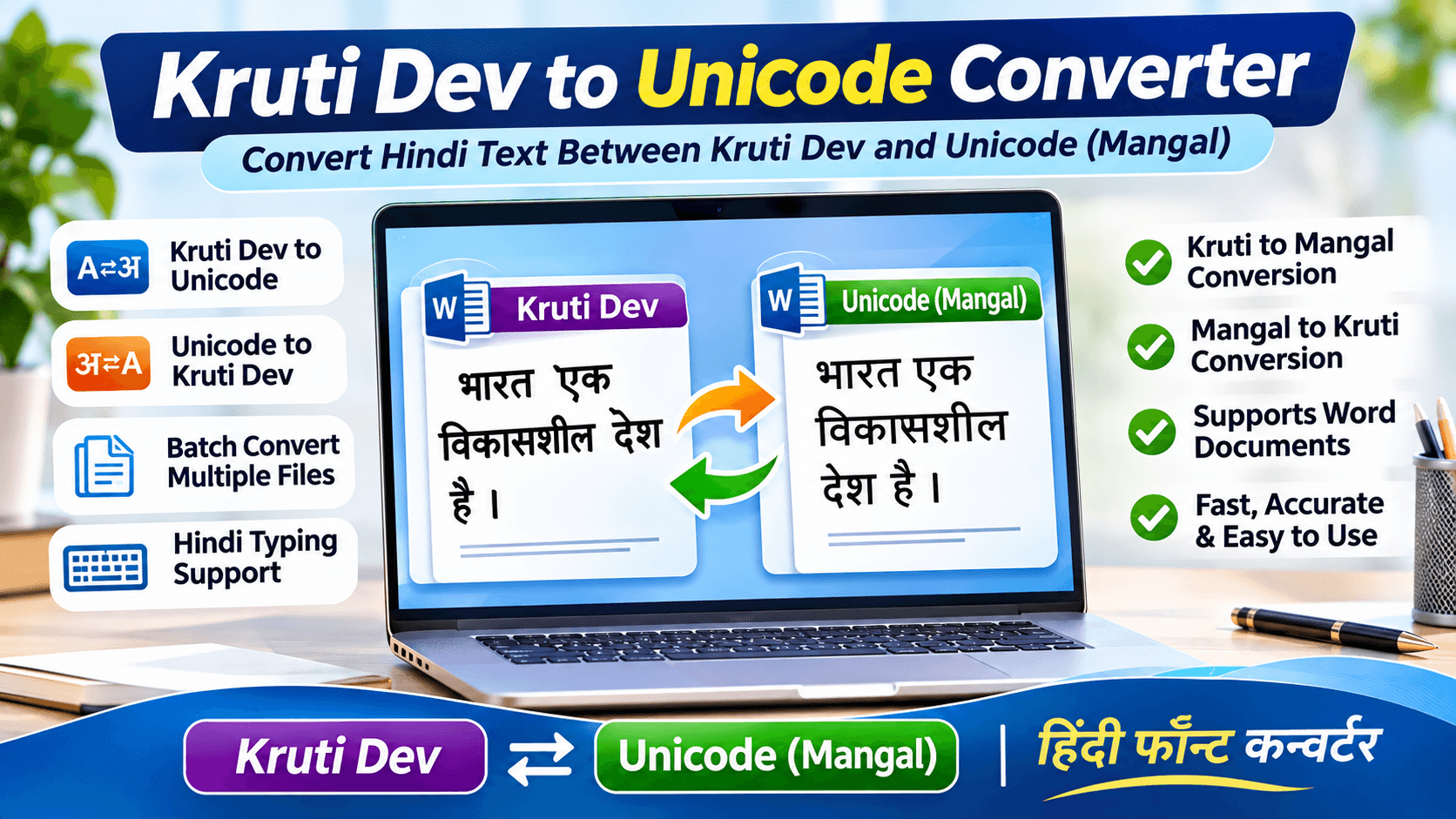
1. What Is Kruti Dev Font?
Kruti Dev is a popular legacy Hindi font commonly used for Hindi typing, desktop publishing and document preparation. It has been widely used by typists, publishers, DTP operators and organisations working with Hindi documents.
Kruti Dev uses a legacy font encoding system. In many cases, the underlying text is not stored as standard Unicode Hindi characters. Instead, the font determines how particular character codes appear on screen.
This can create compatibility problems when you open or share documents on systems that do not have the required font installed.
2. What Is Unicode Hindi?
Unicode is a universal character-encoding standard that allows text to be represented consistently across different operating systems, applications and devices.
For Hindi, Unicode text is commonly displayed using fonts such as Mangal. Unicode Hindi text can be used in:
- Websites and web applications
- Microsoft Word documents
- Emails and digital communication
- Search engines
- Online forms and government portals
- Mobile phones and modern operating systems
Unlike legacy font-based text, Unicode Hindi is stored as actual Hindi characters. This makes it much easier to share, search, copy and reuse.
3. Kruti Dev vs Unicode: What Is the Difference?
| Feature | Kruti Dev | Unicode Hindi |
|---|---|---|
| Encoding | Legacy font-based encoding | Standard character encoding |
| Common font | Kruti Dev | Mangal |
| Website compatibility | May require conversion | Generally supported |
| Sharing documents | Font dependency may cause problems | More portable |
| Search functionality | Limited in many workflows | Supports Hindi text search |
| Modern application support | Depends on application and font | Broad support |
The important point is that changing the font name alone does not convert the underlying text. A proper text conversion process is required.
4. Why Convert Kruti Dev to Unicode?
Converting legacy Hindi documents into Unicode can make everyday document management much easier.
Better Website Compatibility
Unicode Hindi text can be published on websites without requiring visitors to install a particular legacy font.
Easier Document Sharing
Unicode documents are generally easier to share across computers and devices because the text is not dependent on a specific legacy font encoding.
Improved Searchability
Unicode Hindi text can be searched and processed as Hindi characters in compatible applications.
Better Compatibility with Modern Software
Many modern applications, online forms and content management systems work more naturally with Unicode text.
Easier Editing and Reuse
You can copy, paste and reuse Unicode Hindi text in supported applications, including websites and word processors.
5. How to Convert Kruti Dev to Unicode (Kruti to Mangal)
If you have Hindi text written in Kruti Dev and want to convert it into Unicode Mangal, follow these general steps:
- Open a Kruti Dev to Unicode conversion tool.
- Paste your Kruti Dev text or import a supported document.
- Select the appropriate source font or conversion option.
- Choose Kruti Dev to Mangal or Unicode conversion.
- Start the conversion process.
- Review the converted Hindi text carefully.
- Copy the result or save it in a supported file format.
For large documents, a dedicated desktop converter may be more convenient than manually converting individual sections.
6. How to Convert Unicode to Kruti Dev (Mangal to Kruti)
Sometimes you may receive Hindi content in Unicode but need it in Kruti Dev for an older DTP workflow or a legacy application.
You can generally follow these steps:
- Open a Unicode to Kruti Dev converter.
- Paste your Unicode Hindi text or import a supported file.
- Select Mangal or Unicode as the source format.
- Choose Kruti Dev as the target format.
- Start the conversion.
- Review the converted output and check the formatting.
- Copy or save the converted text.
Always check the output before using it in a final document, especially when it contains mixed Hindi and English text.
7. How to Convert Multiple Word Files at Once
If you regularly work with large numbers of Hindi documents, converting files one by one can take considerable time.
A batch conversion utility can simplify this process. Depending on the software and supported file formats, the workflow may include:
- Adding multiple Word documents.
- Selecting an entire folder of documents.
- Choosing the source and target font formats.
- Running the conversion process.
- Saving the converted documents to an output location.
LantechSoft offers a Kruti to Mangal Converter designed to convert Kruti Dev text in multiple supported Word files into Unicode Mangal. Its product information also describes conversion within text frames, headers, footers, WordArt and AutoShapes.
Product details: https://www.lantechsoft.com/kruti-to-mangal.html
8. Useful Hindi Unicode Conversion Tools from LantechSoft
LantechSoft provides different tools for Hindi and other Devanagari-script conversion workflows.
Hindi Unicode Converter & Writer
The Hindi Unicode Converter & Writer combines a Unicode editor with conversion functionality. It supports conversion between several legacy font formats and Unicode, including Kruti Dev to Mangal and Shusha to Mangal.
It also provides typing support using Remington and Semi-Phonetic keyboard layouts.
Explore the tool: https://www.lantechsoft.com/hindi-unicode-converter.html
Kruti to Mangal Converter
This tool is intended for converting Kruti Dev text into Unicode Mangal. Its product information describes batch processing of supported Word documents and conversion of text in additional document elements.
Explore the tool: https://www.lantechsoft.com/kruti-to-mangal.html
Mangal to Kruti Converter
If you need to convert Unicode Mangal text into the legacy Kruti Dev format, this tool provides the reverse conversion workflow. It is useful for DTP and other workflows that still depend on Kruti Dev.
Explore the tool: https://www.lantechsoft.com/mangal-to-kruti.html
9. Common Problems During Hindi Font Conversion
Even when using a conversion utility, it is important to check the result. Some common issues include:
Incorrect source font selection: Selecting the wrong legacy font can produce incorrect characters. Confirm which font was used in the original document.
Mixed Hindi and English text: Check that English words, numbers, punctuation and formatting remain correct after conversion.
Missing or unusual characters: Some legacy documents may contain special symbols or characters that need manual correction.
Document formatting changes: Review headings, tables, spacing, alignment and page layout after conversion.
Damaged or incorrectly encoded source text: If the original text is already corrupted, conversion may not restore the intended Hindi content automatically.
For important documents, keep an original backup and proofread the converted version before publishing or printing.
10. Frequently Asked Questions
What is the difference between Kruti Dev and Mangal?
Kruti Dev is a legacy Hindi font, while Mangal is commonly used to display Unicode Hindi text. Unicode stores standard Hindi characters, making it more suitable for modern digital applications.
Can I convert Kruti Dev to Unicode?
Yes. You can use a compatible Kruti Dev to Unicode converter to transform legacy Hindi text into Unicode, commonly displayed using Mangal.
Can I convert Unicode to Kruti Dev?
Yes. A Mangal to Kruti converter can convert Unicode Hindi text into the legacy Kruti Dev format for compatible applications and workflows.
Can I convert multiple Word files together?
Some desktop conversion tools support batch processing. For example, LantechSoft’s Kruti to Mangal Converter describes support for converting multiple supported Word files in one process.
Does changing Kruti Dev to Mangal in Word convert the text?
No. Simply changing the font name does not perform a proper encoding conversion. You need a compatible conversion tool to transform the underlying text.
Can Unicode Hindi be used on websites?
Yes. Unicode Hindi can be published on websites and is generally supported by modern browsers and content management systems.
Conclusion
Converting Kruti Dev to Unicode is useful when you want to make legacy Hindi documents more compatible with modern applications, websites and digital platforms. Similarly, Unicode to Kruti Dev conversion remains helpful for older DTP and document workflows that depend on legacy fonts.
Whether you need to convert a small amount of text or process multiple Word documents, choosing the right Hindi Unicode conversion tool can make the process more efficient.
Explore LantechSoft’s Hindi Unicode conversion tools to find a solution that matches your document and typing requirements.
