
In today’s fast-paced business environment, time is one of the most valuable resources. Employees often spend hours performing repetitive tasks such as editing documents, updating spreadsheets, managing files, and organizing data. While these tasks are necessary, they can significantly reduce productivity when handled manually.
This is where office automation tools make a real difference. By automating repetitive processes, businesses can improve efficiency, reduce errors, and allow employees to focus on higher-value work.
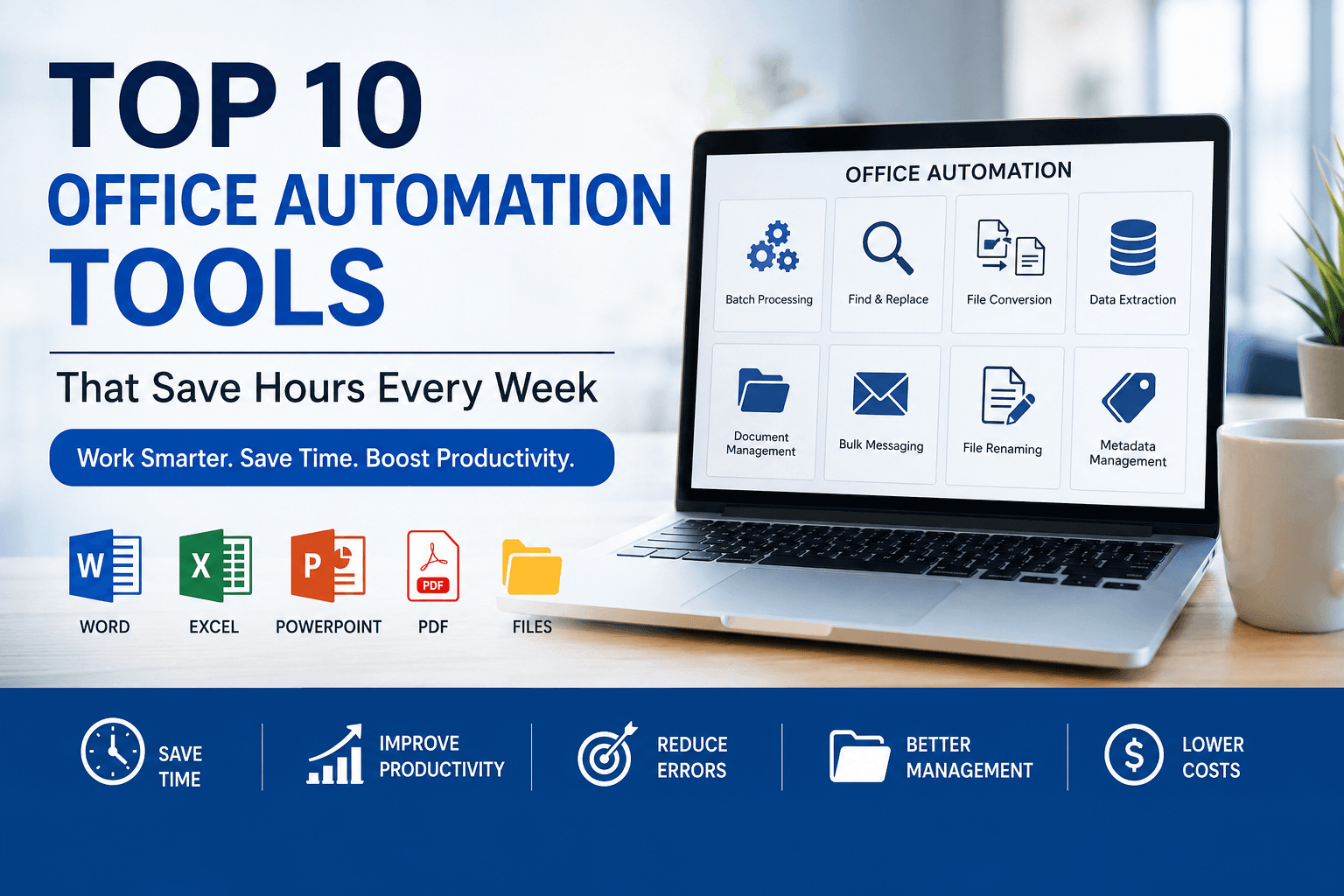
Whether you’re running a small business, managing an HR department, working in legal services, or handling administrative operations, the right automation tools can save hours every week.
Let’s explore the Top 10 Office Automation Tools that every modern business should consider.
1. Batch Find & Replace Software
Editing hundreds or even thousands of documents manually is both time-consuming and error-prone.
Batch Find & Replace software allows users to replace words, phrases, dates, company names, phone numbers, or formatting across multiple files simultaneously.
Benefits
- Update multiple documents instantly
- Save hours of manual editing
- Reduce human errors
- Maintain document consistency
Perfect for:
- HR Departments
- Legal Firms
- Publishers
- Corporate Offices
2. Excel Automation Tools
Businesses rely heavily on spreadsheets for reporting, finance, inventory management, and customer data.
Excel automation software simplifies repetitive spreadsheet tasks by processing multiple Excel files in one operation.
Typical tasks include:
- Batch text replacement
- Formula updates
- Data formatting
- Sheet management
3. Word Document Splitter & Binder
Managing large Word documents can become difficult, especially when handling contracts, reports, or books.
Document splitting and binding tools help users:
- Merge multiple Word files
- Split large documents
- Organize reports
- Improve file management
4. File Metadata Management Tools
Documents often contain hidden metadata such as author names, company information, creation dates, and revision history.
Metadata management tools help businesses:
- Edit document properties
- Remove confidential information
- Standardize document details
- Prepare files for external sharing
5. Word Count & Line Count Software
Professional writers, translators, publishers, and legal professionals frequently need accurate word and line counts.
Automation software calculates:
- Word Count
- Character Count
- Line Count
- Page Count
This eliminates manual calculations while improving billing accuracy.
6. Office File Conversion Tools
Organizations often need to convert documents between different Office formats.
Automation software supports batch conversion of files, reducing repetitive work and improving compatibility across teams.
Examples include:
- Word to ODT
- Excel to ODS
- PowerPoint to ODP
7. Email Extraction Software
Finding business contacts manually takes significant time.
Email extraction software scans websites and documents to collect publicly available email addresses for business outreach and research.
Common use cases include:
- Lead generation
- Sales prospecting
- Market research
- Recruitment
8. Bulk Email & SMS Software
Communicating with customers individually can consume valuable working hours.
Bulk messaging software allows businesses to:
- Send newsletters
- Deliver promotional campaigns
- Share important updates
- Notify customers instantly
Automation makes large-scale communication faster and more efficient.
9. Batch File Renaming Tools
Managing thousands of files with inconsistent names creates unnecessary confusion.
Batch renaming software enables users to:
- Rename hundreds of files
- Apply naming conventions
- Organize folders
- Improve document management
10. Document Search & Replace Utilities
Companies regularly update:
- Company names
- Addresses
- Phone numbers
- Product names
- Legal clauses
Instead of opening every document individually, automation software updates all files within minutes.
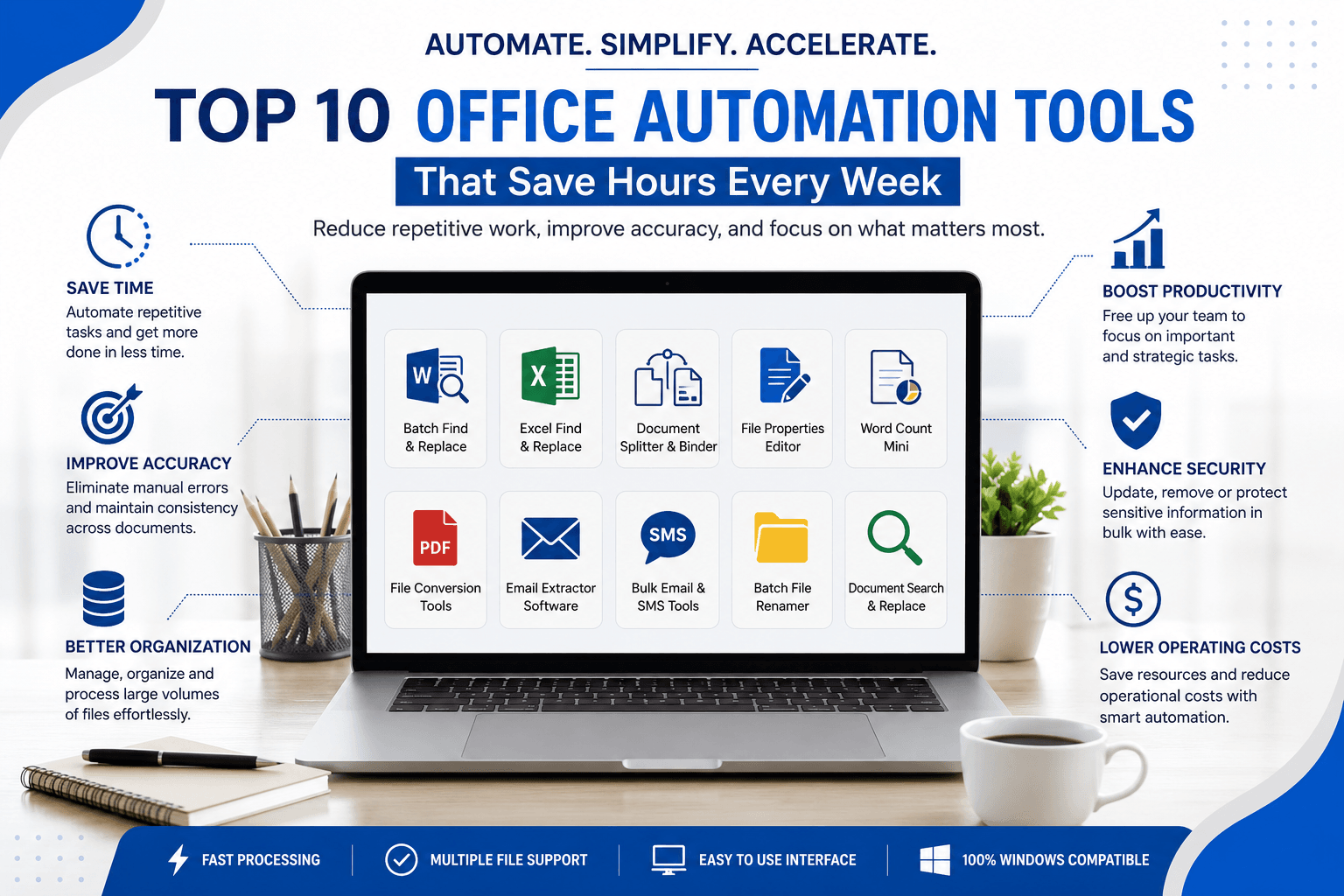
Why Businesses Invest in Office Automation
Organizations that automate repetitive office work gain several important advantages.
Save Valuable Time
Tasks that once required several hours can often be completed in minutes.
Reduce Human Errors
Automation minimizes typing mistakes and inconsistencies.
Improve Productivity
Employees spend less time on repetitive tasks and more time on strategic work.
Better Document Management
Automation helps organize files and maintain consistent document standards.
Lower Operating Costs
Saving employee time ultimately reduces operational expenses.
Industries That Benefit Most
Office automation software is valuable across many industries.
- Corporate Offices
- Government Organizations
- Educational Institutions
- Law Firms
- Healthcare Providers
- Accounting Firms
- Publishing Companies
- Translation Agencies
- Human Resource Departments
- Marketing Agencies
Recommended Office Automation Software from LantechSoft
LantechSoft develops Windows-based productivity software designed to simplify repetitive office tasks. Whether you need to edit thousands of documents, manage Office files, or automate text replacement, these tools can significantly improve efficiency.
⭐ Advance Word Find & Replace
Best For: Batch editing Microsoft Word documents.
Features
- Find and replace text across multiple Word files
- Replace formatting
- Batch document processing
- High-speed performance
- Easy-to-use interface
Ideal For
- HR teams
- Legal firms
- Publishers
- Corporate documentation
⭐ Excel Find & Replace Batch
Need to update thousands of Excel spreadsheets?
This software enables users to:
- Batch replace text
- Modify formulas
- Process multiple worksheets
- Save hours of repetitive editing
Perfect for finance, inventory, and administrative departments.
⭐ Word Document Splitter
Working with large Word files?
Split documents into smaller sections quickly while preserving formatting.
Great for:
- Reports
- Contracts
- Books
- Legal documentation
⭐ Word Document Binder
Merge multiple Word documents into a single organized file in just a few clicks.
Ideal for:
- Project reports
- Training manuals
- Company documentation
⭐ Word File Properties Editor
Edit document metadata in bulk, including:
- Author
- Company
- Title
- Subject
- Keywords
- Comments
A useful tool for businesses preparing professional documentation.
⭐ Word Count Mini
Designed for translators, publishers, writers, and legal professionals, this software quickly calculates:
- Word Count
- Character Count
- Line Count
- Page Count
Why Choose LantechSoft?
Businesses choose LantechSoft because our software is designed with productivity in mind.
Benefits
- Easy-to-use Windows applications
- Fast batch processing
- High accuracy
- Affordable licensing
- Reliable performance
- Regular software updates
- Dedicated technical support
Our office automation tools help organizations eliminate repetitive work, reduce manual errors, and improve operational efficiency.
Tips for Choosing Office Automation Software
Before selecting a solution, consider:
- Ease of use
- Batch processing capabilities
- Compatibility with Microsoft Office
- Export options
- Processing speed
- Technical support
- Regular software updates
- Licensing flexibility
Investing in the right software today can save countless hours over the long term.
Frequently Asked Questions
What is office automation software?
Office automation software helps automate repetitive business tasks such as document editing, file management, spreadsheet updates, and batch processing.
Who should use office automation tools?
Businesses of all sizes, HR departments, legal firms, publishers, accountants, marketers, and educational institutions can benefit from office automation.
Can automation software reduce manual errors?
Yes. By automating repetitive processes, businesses reduce typing mistakes, formatting inconsistencies, and repetitive manual work.
Does LantechSoft provide Windows-based office automation software?
Yes. LantechSoft offers a wide range of Windows desktop applications for document editing, Office file management, find-and-replace operations, metadata editing, and productivity automation.
Conclusion
Office automation is no longer a luxury—it’s a necessity for businesses that want to remain productive and competitive. By replacing repetitive manual tasks with efficient software solutions, organizations can save hours every week, improve document accuracy, and streamline daily operations.
Whether you’re updating thousands of Word documents, managing Excel spreadsheets, organizing Office files, or handling document metadata, the right automation tools can dramatically simplify your workflow. LantechSoft’s range of Windows-based office automation software is designed to help professionals work smarter, not harder, making it an excellent choice for businesses seeking greater efficiency.
